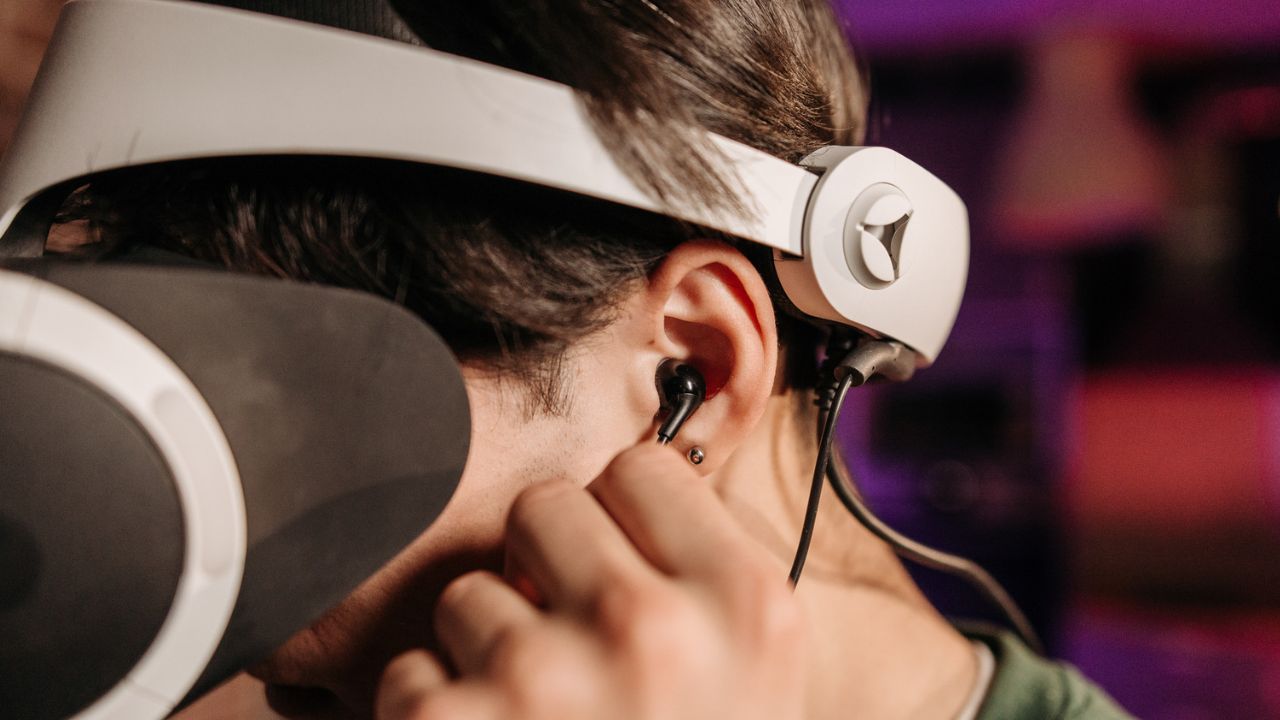
Gaming audio has a direct influence on how players experience a game. The sound of approaching footsteps, distant gunfire, environmental effects and character dialogue provides information that visuals alone do not always communicate. In multiplayer games, clear audio also helps players recognise what is happening around them and communicate with teammates.
A noise cancelling gaming headset offers a way to manage unwanted background sounds while keeping game audio within a more controlled listening environment. Before choosing one, it helps to understand how noise cancellation works, which features affect sound quality and what makes a headset comfortable for extended gaming sessions.
How Noise Cancelling Works in Gaming Headsets
Noise cancellation generally refers to two different technologies: active noise cancellation and passive noise isolation.
Active noise cancellation, commonly known as ANC, uses microphones to detect surrounding sounds. The headset’s electronics then generate an opposing sound signal to reduce certain external noise. This technology is particularly effective against consistent low-frequency sounds, such as air conditioning, fans and engine noise.
Passive noise isolation relies on the physical design of the headset. Cushioned earcups form a seal around the ears, reducing the amount of outside sound reaching the listener. The effectiveness depends on the earcup shape, padding material and how well the headset fits.
Some gaming headsets combine both approaches. This provides additional noise control, although performance varies between models. ANC also does not automatically improve game audio or remove every background sound.
Why Background Noise Matters During Gameplay
Unwanted noise becomes distracting when it competes with important audio cues. In competitive games, players often rely on subtle sounds to identify movement, reloads and activity in nearby areas. A noisy environment makes these details harder to hear.
Noise cancellation helps reduce distractions, allowing players to concentrate on the audio coming through their headsets. It is particularly useful when gaming in shared spaces, busy households or rooms with constant background noise.
For single-player games, a quieter listening environment helps players appreciate dialogue, music and environmental effects. Horror and adventure games often use sound to build tension and communicate changes in the surroundings. Reducing external distractions helps preserve these details.
Sound Quality Still Comes First
Noise cancellation is only one part of a gaming headset’s performance. The headset should reproduce game audio clearly, with enough detail to distinguish different sounds without making bass, treble or dialogue overpowering.
Driver size is often included in product specifications, but larger drivers do not automatically produce better sound. Driver tuning, enclosure design and overall construction also influence audio performance.
For multiplayer gaming, directional accuracy is particularly important. Stereo headsets use left and right channels to create spatial cues, while some models offer virtual surround sound processing. These features help create a wider sense of space, although results vary depending on the game and headset.
If you play several types of games, look for a headset with balanced sound reproduction. Excessively strong bass might suit certain action games, but it can make quieter details and dialogue harder to distinguish.
Choose a Clear and Reliable Microphone
Communication is an important part of multiplayer gaming. A headset with a good microphone helps teammates understand instructions and callouts without repeatedly asking players to speak again.
Look for a microphone with clear voice reproduction and effective background noise reduction. A detachable or retractable microphone is useful if you also intend to wear the headset for music, films or general computer use.
Microphone monitoring, sometimes called sidetone, allows you to hear your own voice through the headset. This helps prevent speaking too loudly, particularly when passive isolation or ANC reduces awareness of surrounding sounds.
Check microphone compatibility with your gaming platform. Some features available through a computer’s dedicated software might not work in the same way when the headset is connected to a console.
Comfort for Long Gaming Sessions
A headset that sounds good but becomes uncomfortable after an hour is unlikely to be a suitable choice for regular gaming. Weight, clamping force, headband padding and earcup dimensions all influence comfort.
Over-ear designs generally surround the ears, while on-ear models rest directly against them. Over-ear headsets are often preferred for longer sessions because they avoid constant pressure on the outer ears, although the fit depends on individual head and ear shapes.
Breathable ear cushions help manage heat during extended use. Leatherette padding is often easier to wipe clean, while fabric materials might offer better airflow depending on their construction.
Adjustable headbands and rotating earcups also help achieve a more secure fit. If possible, try the headset before purchasing to check whether it feels comfortable with your usual gaming setup.
Wired or Wireless Connectivity?
Wired gaming headsets connect directly to a compatible device through USB or a 3.5mm audio connection. They do not require regular charging, and their performance is not affected by wireless interference in the same way as wireless models.
Wireless headsets offer greater freedom of movement and reduce cable clutter. Many use a dedicated USB transmitter for a low-latency connection, while some also support Bluetooth for phones and other devices.
Battery life is an important consideration when choosing a wireless model. Check the manufacturer’s stated battery duration and whether ANC affects operating time. Some headsets also support wired playback when the battery runs low, although this feature is not universal.
Compatibility deserves equal attention. Confirm whether the headset works with your PC, PlayStation, Xbox, Nintendo Switch or other intended device. Wireless connection methods and supported features differ between platforms.
Features Worth Comparing Before Buying
Gaming headsets often include additional functions such as adjustable EQ settings, customisable sound profiles, detachable microphones and companion software. These features are useful when they address a specific need rather than simply increasing the product’s specification list.
A physical mute button provides quick microphone control during gameplay. On-headset volume controls are also convenient because they allow adjustments without interrupting a match.
Consider whether the headset supports simultaneous connections if you intend to listen to game audio while taking calls from a phone. Some wireless models offer this function, while others require switching between devices.
Finally, review the warranty, replacement ear cushions and availability of spare components. These details affect the headset’s long-term practicality.
Final Thoughts
A good noise-cancelling gaming headset should balance noise control with clear audio, reliable communication and lasting comfort. ANC is useful in environments with persistent background sounds, while passive isolation provides another layer of sound reduction through the headset’s physical design.
Before buying, consider your gaming habits, preferred connection type and platform compatibility. Choosing a headset that meets these practical requirements helps create a more focused and enjoyable gaming experience.