To keep your personal information safe online, focus on the big leak points: weak passwords, phishing, oversharing, and insecure devices. The fastest upgrades are: use a password manager, turn on multi‑factor authentication (MFA), tighten privacy settings, limit what you share publicly, and watch for suspicious activity with alerts and monitoring.
What Counts as “Personal Information” Online?
Personal information isn’t just your name. It includes anything that can identify you or help someone impersonate you.
- Email addresses and phone numbers
- Home address and location data
- Birthdate, mother’s maiden name, security questions
- Banking details and payment info
- Government IDs (like SSN)
- Photos that reveal where you live/work or your routine
1) Use Strong, Unique Passwords (Stop Reuse)
Password reuse is how one breach becomes ten hacked accounts.
Best practice: use a password manager to create long, unique passwords for every site.
- Never reuse passwords across email, banking, social, shopping.
- Change passwords immediately if a site reports a breach.
- Turn on password breach alerts if your manager supports it.
2) Turn On MFA Everywhere (Especially Email)
MFA is a second lock. It can stop an attacker even if they have your password.
Start with these accounts: email, Apple/Google, banking, social media, cloud storage.
Preferred MFA methods (strongest to weakest):
- Security key (hardware key)
- Authenticator app codes
- Push approvals
- SMS codes (better than nothing, but weaker)
3) Learn the 7 Biggest Phishing Tricks
Phishing is the #1 reason people lose accounts. It’s not “techy”—it’s psychological.
- Fake urgency: “Your account will be locked today.”
- Fake support chats: “We need your code to verify.”
- Look‑alike domains: one letter off (paypaI vs paypal).
- Fake delivery notices with links and attachments.
- Job and “invoice” scams sent to email.
- QR code scams that send you to a fake login page.
- Social media DMs from “friends” who got hacked.
Safer habit: don’t log in from links. Open the app or type the real site yourself.
4) Lock Down Social Media Privacy (Big Data Leak Zone)
Your profiles can expose enough information for identity theft or account recovery attacks.
Quick changes that matter:
- Set profiles to private where possible.
- Hide your birthday and phone number from public view.
- Limit who can DM you and who can see your friends list.
- Turn off location tagging in posts and stories.
- Avoid posting travel plans in real time.
5) Reduce Data Sharing With Apps and Websites
Many apps collect more data than they need.
Do this on your phone:
- Review app permissions (location, contacts, microphone, camera).
- Turn off “Always” location for apps that don’t need it.
- Limit photo access to selected photos when possible.
- Delete apps you don’t use.
Do this on websites:
- Don’t “Sign in with” social accounts unless you trust the service.
- Remove connected apps you don’t use anymore (Google/Apple/Facebook settings).
- Use a separate email address for newsletters and shopping.
6) Protect Your Phone Number (SIM‑Swap Defense)
Phone numbers are used for account recovery. Attackers can steal them through SIM‑swap scams.
Steps that help:
- Add a carrier PIN / account PIN (call your carrier).
- Use authenticator-based MFA instead of SMS when possible.
- Turn on account alerts for email and banking.
7) Secure Your Devices (Updates + Lock Screen)
Even perfect passwords can be stolen if your device is compromised.
- Turn on automatic OS and app updates.
- Use a strong phone passcode (not 1234).
- Enable device encryption (most modern phones do this automatically).
- Use Find My / remote wipe features.
- Avoid installing apps from unknown sources.
8) Use Safer Wi‑Fi and Browser Habits
Public Wi‑Fi can be fine, but don’t treat it as trusted.
- Avoid logging into banking on unknown public Wi‑Fi.
- Turn off auto‑connect Wi‑Fi.
- Use your hotspot when possible.
- Keep your browser updated and remove unknown extensions.
9) Watch for Identity Theft (Simple Monitoring)
If someone gets your data, you want early warning.
Easy monitoring habits:
- Turn on bank and card transaction alerts.
- Turn on login alerts for email and major accounts.
- Check your credit report regularly (US).
- Be cautious with SSN sharing—only provide it when truly required.
10) Create a “Damage Control” Plan (So You Don’t Panic)
If something goes wrong, having a plan saves time.
If you suspect your info was exposed:
- Secure your email account first (password + MFA).
- Change passwords for important accounts (banking, social, shopping).
- Sign out of other sessions on those accounts.
- Check for new forwarding rules in email.
- Contact your bank if you see suspicious transactions.
- Consider freezing credit if identity theft is suspected (US).
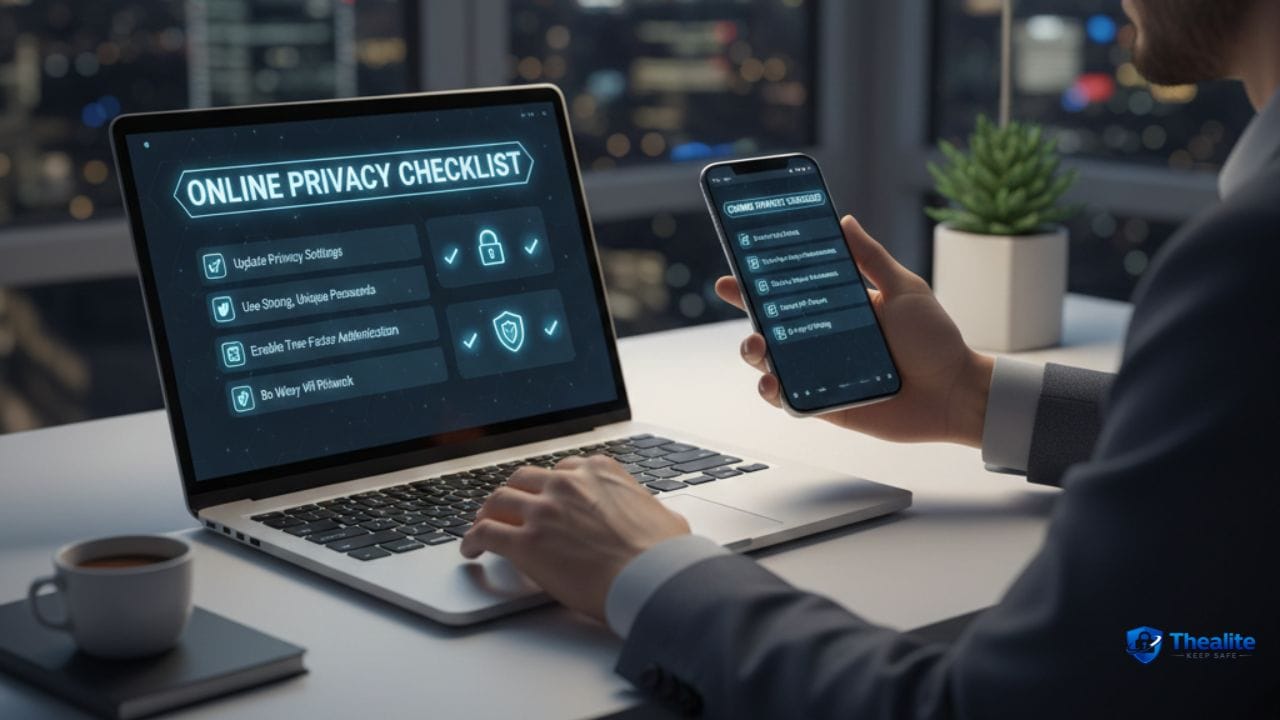
A Quick “Personal Info Safe Online” Checklist
- Password manager + unique passwords
- MFA on email and key accounts
- Phishing awareness (no logins from random links)
- Private social profiles + limited public info
- Reduced app permissions
- Carrier PIN to reduce SIM‑swap risk
- Automatic updates + strong device lock
- Alerts on banking and logins
FAQs
What’s the #1 way personal info gets stolen online?
Phishing and account takeovers. Attackers often trick people into giving credentials or reuse leaked passwords to log in.
Is using the same password everywhere really that bad?
Yes. One breach can open all your accounts. Unique passwords stop that chain reaction.
Do I need a VPN to protect personal info?
A VPN can help privacy on public Wi‑Fi, but strong passwords, MFA, and phishing defense usually matter more.
How do I protect my SSN online?
Share it only when required, store documents securely, and monitor for identity theft with alerts and credit checks.
More “Keep Safe” Guides
Explore more safety topics at Thealite Keep Safe. For site details, see Privacy Policy, Terms, and Disclaimer.

As a digital marketer, she has received multiple international awards, including Campaign of the Year at the 2023 European Content Awards and Best Use of Content Marketing at the 2022 Global Search Awards. Nicai holds an MSc in Marketing (First Class Honours) from the UCD Smurfit Graduate Business School and she has also completed the Artificial Intelligence Programme at Oxford University’s Saïd Business School. She is also a contributing writer for publications such as Entrepreneur and Esquire.