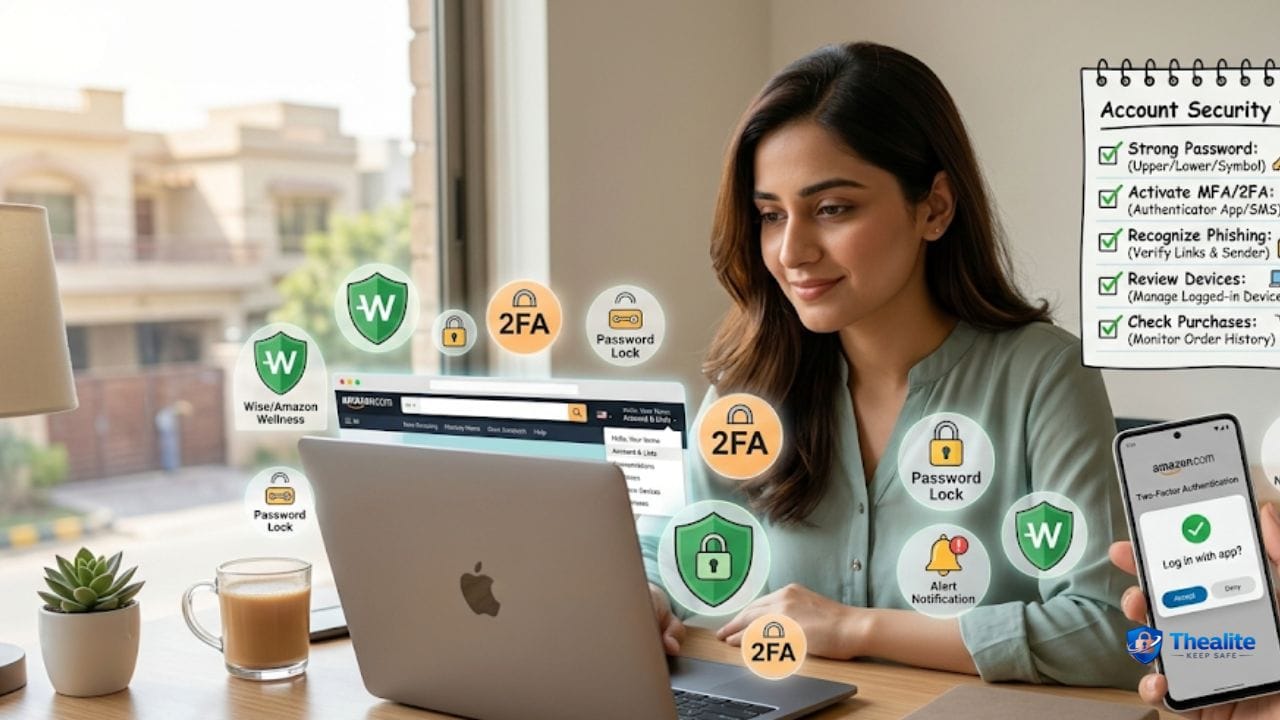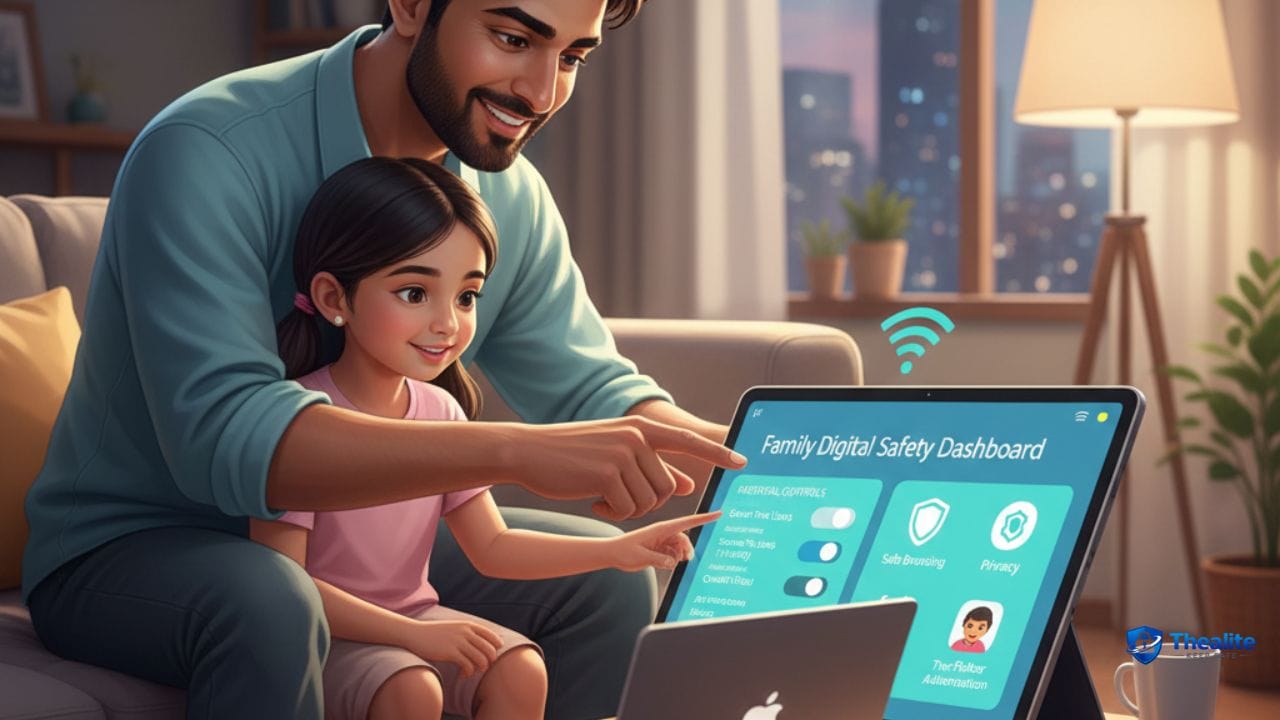
To keep children safe online, you need two things working together: smart settings and open communication. Use device-level parental controls, restrict who can contact your child, limit screen time, and teach simple safety rules (no sharing personal info, don’t click unknown links, and tell a trusted adult if anything feels weird). The safest homes combine tech controls with calm, regular conversations.
What “Online Safety” Really Means for Kids
Kids face different online risks than adults. The common ones include:
- Strangers contacting them in games, social apps, or DMs
- Scams and phishing links (free Robux, free skins, giveaways)
- Inappropriate content (violent, sexual, or disturbing content)
- Cyberbullying and harassment
- Oversharing personal info (school, address, location)
- Overuse (sleep problems, mood changes, addiction-like behavior)
Start With These 10 Simple Family Rules
Short rules are easier for kids to remember. Put these on the fridge if needed.
- Never share your real name, address, school, or phone number with strangers online.
- Never send photos to strangers (even if they seem friendly).
- Don’t click “free” links (free game currency, free prizes) — it’s usually a scam.
- If someone asks you to keep a secret online, tell a parent/guardian immediately.
- Only accept friend requests from people you know in real life.
- Use nicknames online (not full legal names).
- Ask before downloading apps or joining new servers/groups.
- Keep accounts private. Don’t post location or live travel info.
- If someone is mean or scary: block, report, and tell an adult.
- No devices in bed at night (sleep is part of safety).
Set Up Parental Controls (Do This First)
Parental controls are not about spying. They’re about age-appropriate boundaries.
On iPhone/iPad (Screen Time)
Use Screen Time to:
- Set app time limits
- Block adult content and restrict websites
- Approve app installs
- Limit communication (who can message)
On Android (Family Link)
Use Family Link to:
- Approve app downloads
- Set daily screen time and bedtime
- Limit mature content
- See app usage and manage permissions
On Windows/Mac
Use built-in family controls to set:
- Time limits
- Website restrictions
- App/game restrictions
- Purchase controls
Make Social Media and Messaging Safer
If your child uses social apps, these settings matter the most:
- Private account (not public)
- Limit DMs to friends only
- Disable location sharing
- Disable “suggest my account” or public discover settings when possible
- Turn on comment filters and block lists
- Turn off contact syncing if you don’t need it
Gaming Safety: Roblox, Fortnite, Minecraft, and More
Gaming is social now. Most risks come from chat and strangers, not the game itself.
Safer gaming settings:
- Turn off voice chat for younger kids or limit it to friends.
- Limit text chat to friends-only when possible.
- Disable friend requests from strangers.
- Use a child-appropriate username (no real name).
- Teach kids to never trade accounts, passwords, or “free currency.”
YouTube and Video Safety (A Big One)
Video platforms can auto-recommend content that’s not age-appropriate.
Tips that work:
- Use kid-focused modes or restricted mode when available.
- Turn off autoplay for younger kids.
- Watch history affects recommendations—clear it if the feed gets weird.
- Teach kids not to click random “download” links in descriptions.
Teach Kids the “Stop, Screenshot, Tell” Method
Give kids a simple plan for scary or inappropriate messages:
1) Stop responding.
2) Screenshot (or show the screen).
3) Tell a parent/guardian or trusted adult.
This removes fear and shame. Kids know what to do instantly.
Protect Privacy: What Kids Should Never Share
Kids should treat these as private:
- Address, school name, class info, and daily routine
- Phone number, email, or parent contact info
- Passwords and verification codes
- Photos that show street signs, uniforms, or location clues
- Plans like “home alone” or travel dates
Cyberbullying: What Parents Can Do (Without Making It Worse)
Cyberbullying is emotional and social. Overreacting can make kids hide it.
Better approach:
- Listen first. Don’t blame your child for what happened.
- Save evidence (screenshots).
- Block and report the bully on the platform.
- If it’s school-related, contact the school with evidence.
- Give your child a break from the app if needed, without punishment.
Online Predators: Warning Signs to Watch For
Most predators try to build trust slowly. Watch for:
- Secret online friendships with older people
- Requests to move chat to a different app
- Requests for photos or private video calls
- Messages that encourage secrecy: “don’t tell your parents”
- Gifts, game currency, or “help” offered to keep contact
If you see these, take it seriously, save evidence, and block/report immediately.
Screen Time and Sleep: The Safety Nobody Talks About
Sleep is part of safety. Tired kids make risky choices and struggle emotionally.
Simple rule that helps a lot: charge devices outside bedrooms at night.
Use bedtime schedules and keep weekends reasonable.
FAQs
What age should kids get a phone?
It depends on maturity and family needs. A safer approach is a phone with parental controls and limited apps at first, then adding features as they show responsibility.
Should parents read kids’ messages?
For younger kids, some monitoring is normal. For teens, focus more on agreed rules, safety education, and checking in—so they don’t hide problems.
What’s the #1 online safety setting parents should enable?
Parental controls plus limiting who can message/contact your child. That blocks a lot of stranger risk.
How do I stop scams in games?
Teach kids: no free currency links, never share passwords, and never trade accounts. Keep chat limited to friends-only.
More “Keep Safe” Guides
Explore more safety topics at Thealite Keep Safe. For site details, see Privacy Policy, Terms, and Disclaimer.

As a digital marketer, she has received multiple international awards, including Campaign of the Year at the 2023 European Content Awards and Best Use of Content Marketing at the 2022 Global Search Awards. Nicai holds an MSc in Marketing (First Class Honours) from the UCD Smurfit Graduate Business School and she has also completed the Artificial Intelligence Programme at Oxford University’s Saïd Business School. She is also a contributing writer for publications such as Entrepreneur and Esquire.