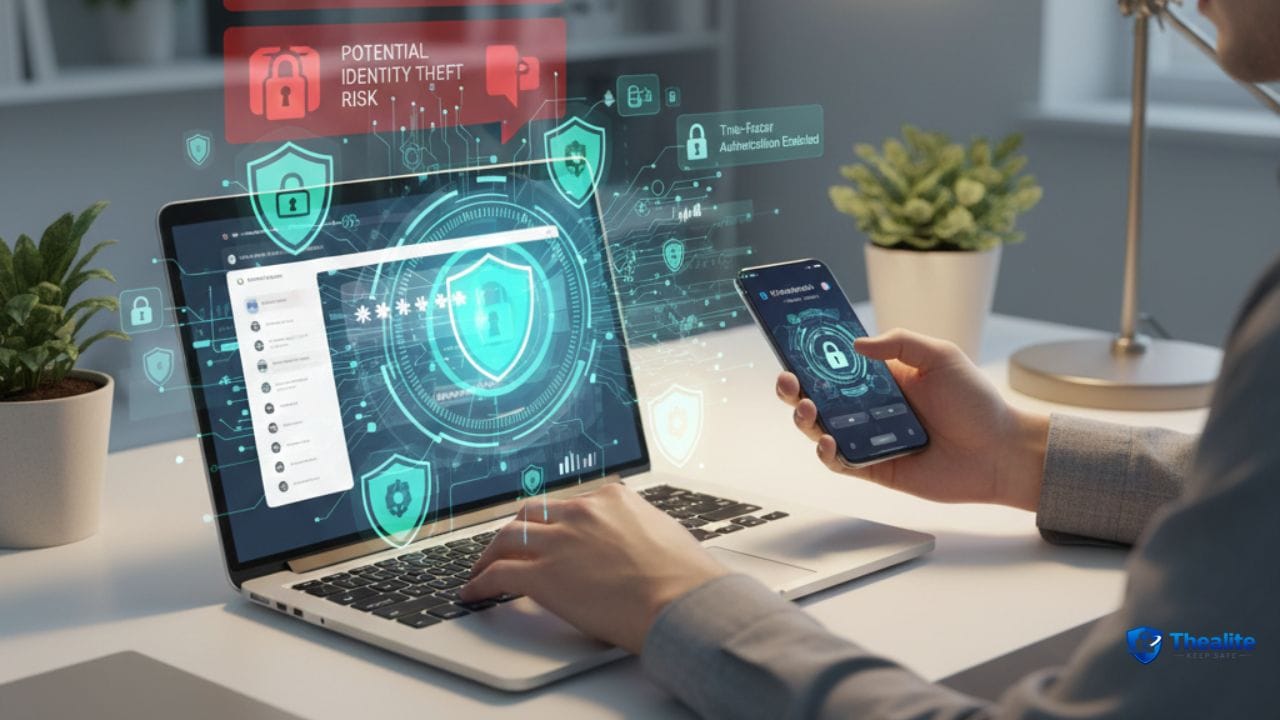
To keep your identity safe online, focus on three things: secure logins, secure devices, and low public exposure. Use a password manager, turn on two-factor authentication (2FA), keep your phone and email locked down, and get good at spotting phishing. These steps stop most identity theft attempts before they start.
What “Identity Theft” Usually Looks Like Today
Most identity theft starts with stolen login access, not stolen wallets. Attackers often get in through weak passwords, reused passwords, phishing messages, or compromised email accounts.
Once they have access, they may try to: open accounts, take over payment apps, redirect deliveries, or drain balances.
1) Use Strong, Unique Passwords (No Reuse)
Password reuse is one of the biggest reasons accounts get taken over. If one site leaks your password, attackers try it everywhere.
Best practice: use a password manager and unique passwords for every account.
Related: how to keep passwords safe.
2) Turn On Two-Factor Authentication (2FA) Everywhere You Can
2FA adds a second lock. Even if someone guesses your password, they still can’t log in easily.
Prioritize 2FA on:
- Email (most important)
- Banking and payment apps
- Social media
- Phone account / carrier login
- Cloud storage
3) Protect Your Email Account Like It’s Your Vault
If someone gets into your email, they can reset passwords for many other accounts. So email security is identity security.
Do this:
- Use a strong, unique email password
- Turn on 2FA for email
- Review account recovery options and remove outdated phone numbers
- Check for suspicious forwarding rules
4) Learn Phishing Signs (This Stops Most Attacks)
Phishing is when someone pretends to be a company or person to trick you into clicking a link or giving a code.
Red flags:
- Urgency: “act now or your account will be closed”
- Links that look slightly wrong or shortened
- Requests for verification codes or passwords
- Unexpected attachments
- Messages that don’t match the company’s normal style
5) Lock Down Your Phone (Because It Holds Your Identity)
Your phone is a key to your accounts. If someone gets your unlocked phone, they can access email, texts, and password resets.
Phone security basics:
- Use a strong passcode (not 1234) and enable biometric lock
- Turn on Find My / device tracking
- Keep your operating system updated
- Don’t install random apps from unknown sources
Related: how to keep your phone safe from hackers.
6) Reduce What You Share Publicly
Attackers often use public information to answer security questions or guess passwords.
Smart privacy moves:
- Don’t post your full birthdate, address, or travel plans publicly
- Lock down social media privacy settings
- Avoid “security question” answers that are real (use random answers stored in your password manager)
- Be careful with quizzes and “what’s your first car” posts
This guide also helps: how to keep your personal information safe online.
7) Use Safer Payments and Watch Your Accounts
Identity theft often shows up as small test charges, new payees, or sudden logins.
Do this:
- Turn on bank and card alerts for charges and logins
- Review your statements regularly
- Use strong security on payment apps
Related: how to keep your bank account safe online and is it safe to keep money in Cash App.
8) Keep Your Data Secure (Backups + Updates)
Security isn’t only about passwords. It’s also about keeping your data from being stolen or locked.
Related: how to keep data safe and secure.
If You Think Your Identity Was Stolen: What to Do
Move fast. The first hour matters.
- Change passwords (start with email), and turn on 2FA everywhere.
- Sign out of other devices (many services allow this).
- Contact your bank/card providers and report suspicious activity.
- Check your credit report and watch for new accounts you didn’t open.
- Save evidence (screenshots, emails, transaction IDs) and report through official channels.
Quick Checklist: How to Keep Your Identity Safe Online
- Use a password manager + unique passwords
- Turn on 2FA for email, banking, payment apps, and social media
- Watch out for phishing and never share verification codes
- Lock down your phone and keep software updated
- Reduce public personal info and tighten privacy settings
- Turn on account alerts and review statements
FAQs
What’s the #1 thing to do to prevent identity theft online?
Secure your email and use unique passwords with 2FA. Email takeover is one of the most common ways attackers reset other accounts.
Do password managers really help?
Yes. They make it easier to use strong unique passwords, which reduces account takeover risk.
How can I tell if a message is phishing?
Look for urgency, weird links, requests for codes, and unexpected attachments. When unsure, open the official app/website directly instead of clicking links.
Should I use public Wi‑Fi?
If you must, avoid logging into sensitive accounts and make sure your device is updated and using secure connections. Using safer habits matters more than guessing if a network is “safe.”
More “Keep Safe” Guides
Explore more online safety topics at Thealite Keep Safe.

As a digital marketer, she has received multiple international awards, including Campaign of the Year at the 2023 European Content Awards and Best Use of Content Marketing at the 2022 Global Search Awards. Nicai holds an MSc in Marketing (First Class Honours) from the UCD Smurfit Graduate Business School and she has also completed the Artificial Intelligence Programme at Oxford University’s Saïd Business School. She is also a contributing writer for publications such as Entrepreneur and Esquire.