The easiest way to stop pickpockets is to make your phone hard to grab and quick to notice. Keep it in a front pocket or a zipped inner compartment, don’t hold it loosely near crowds, use a wrist strap or lanyard when needed, and set up phone security (Find My, strong passcode, and remote erase).
Why Phones Get Stolen So Easily
Pickpockets don’t want a fight. They want an easy grab: an open pocket, a loose back pocket, a phone on a café table, or a distracted person filming in a crowded area.
So your strategy is simple: reduce easy opportunities.
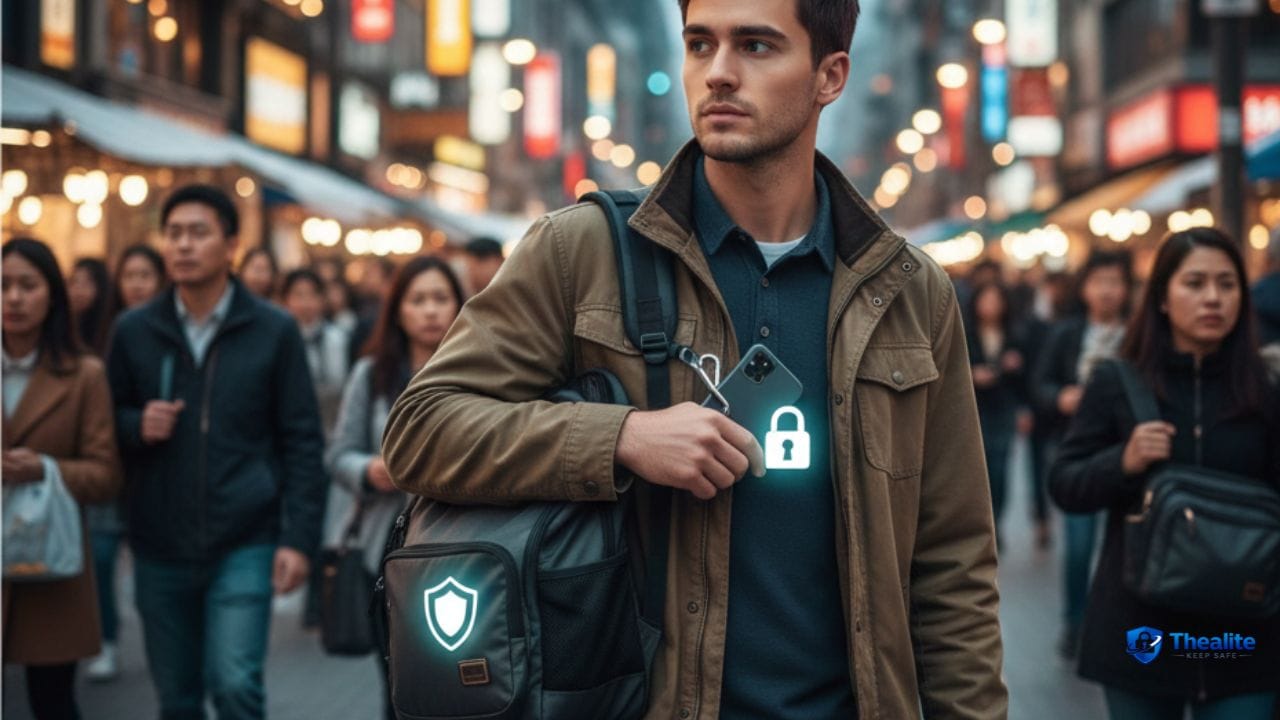
1) Use the Safest Carry Spots (Front, Zip, Inner)
These are the safest options in busy places:
- Front pocket (best for most people)
- Inside jacket pocket with a zipper
- Crossbody bag worn in front with a zipped compartment
- Anti-theft bag with hidden zippers
Avoid these (high risk):
- Back pockets
- Open tote bags
- Phone in your hand while walking through crowds
- Phone left on tables, counters, or bus/train seats
2) Crowds + Distractions = Pickpocket Moment
Pickpockets love crowded areas: public transport, tourist spots, festivals, markets, and busy crosswalks.
In crowds, do this:
- Keep your phone in your pocket/bag unless you’re using it.
- When you pull it out, grip it with purpose—don’t “dangle-scroll.”
- Step aside before using maps or messages (don’t stop in the middle of traffic).
- Be extra alert when someone bumps you or gets too close.
3) Use Simple Anti-Theft Accessories
You don’t need expensive gear. A few small accessories make stealing harder.
- Wrist strap or lanyard (great for travel and busy streets)
- Crossbody phone strap (keeps it attached to you)
- Zippered pocket or pouch for concerts and transit
- Minimal wallet case (less chance you lose cards too)
4) Lock Down Your Phone Settings (So Theft Isn’t a Disaster)
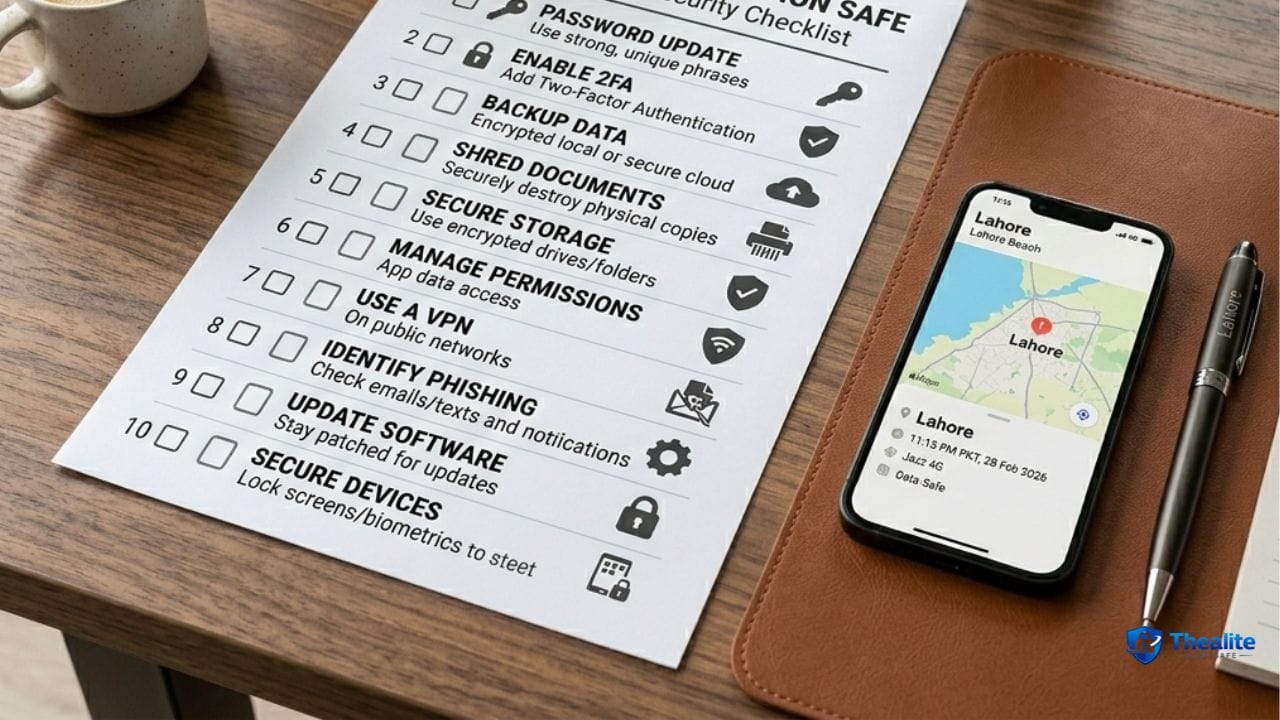
Even if someone steals your phone, you can stop the damage by setting up security in advance.
Do this now:
- Use a strong passcode (not 0000 or birthday).
- Enable Face ID/Touch ID (or Android biometric).
- Turn on Find My / Find My Device.
- Enable remote lock and remote erase options.
- Back up your phone regularly.
Related: how to keep your phone safe from hackers and how to keep your identity safe online.
5) Travel Habits That Work Everywhere
These habits help in any city:
- Don’t show your phone unnecessarily in high-theft areas.
- Avoid using your phone right at the curb (snatch-and-run happens).
- If you need directions, step into a shop or stand near a wall.
- Keep backups: a printed address or offline map in case your phone is gone.
- Separate valuables: don’t keep phone + passport + cash all together.
Related travel safety guides: how to keep passport safe while traveling and how to keep money safe when traveling.
6) What to Do Immediately if Your Phone Is Stolen
Act fast. These steps reduce damage:
- Use Find My / Find My Device to locate or mark it as lost.
- Lock the device and display a contact message (if you choose).
- Change your email password first (email controls password resets).
- Contact your carrier to block the SIM and protect your number.
- Remove the device from banking/payment apps if possible.
- File a police report if needed for insurance.
Quick Checklist: How to Keep Phone Safe From Pickpockets
- Carry phone in a front pocket or zipped inner compartment
- Avoid back pockets and open bags
- Use a strap/lanyard in crowded areas
- Don’t scroll while walking through crowds
- Enable Find My/remote lock + strong passcode
- Separate phone from passport and cash while traveling
FAQs
Is a front pocket really safer?
Yes. Front pockets are harder to access without you noticing, especially compared to back pockets.
What’s the biggest phone theft risk while traveling?
Crowded tourist areas and public transport. Theft often happens when you’re distracted and holding the phone loosely.
Should I use a phone lanyard?
In busy places, yes. It makes “snatch-and-run” much harder.
If my phone is stolen, what’s the first thing I should do?
Use Find My/Find My Device to mark it lost and lock it, then secure your email and contact your carrier to block the SIM.
More “Keep Safe” Guides
Explore more safety topics at Thealite Keep Safe.

As a digital marketer, she has received multiple international awards, including Campaign of the Year at the 2023 European Content Awards and Best Use of Content Marketing at the 2022 Global Search Awards. Nicai holds an MSc in Marketing (First Class Honours) from the UCD Smurfit Graduate Business School and she has also completed the Artificial Intelligence Programme at Oxford University’s Saïd Business School. She is also a contributing writer for publications such as Entrepreneur and Esquire.