Personal information is valuable. It can be used to open accounts, steal money, hijack your online profiles, or run scams in your name. In the U.S., identity theft and account takeovers often start with small leaks: a reused password, a phishing text, a stolen phone, or documents thrown away without shredding.
The good news is you don’t need to be a tech expert to protect yourself. You need a simple system: reduce what you share, secure accounts and devices, protect physical documents, and recognize scams early. This guide is written for U.S. readers and ends with a copy/paste checklist.
Quick Answer (The 12 Best Ways to Protect Personal Info)
- Use unique passwords and turn on multi-factor authentication (MFA).
- Secure your email account first (it controls password resets).
- Lock down your phone (strong passcode, updates, Find My/remote wipe).
- Don’t share your SSN or ID numbers unless absolutely necessary.
- Limit what you post online (address, school, birthday, travel plans).
- Watch for phishing texts/emails and fake support calls.
- Use safer file sharing (view-only, expiration, verify recipients).
- Protect your mail (locked mailbox, paperless statements, hold mail when traveling).
- Store and shred documents properly (locked storage + cross-cut shredder).
- Review privacy settings and data-sharing permissions on apps and accounts.
- Monitor accounts and credit; use alerts for banking and logins.
- If exposed: change passwords, freeze credit, and report quickly.
Step 1: Know What Counts as Personal Information
Personal information is any detail that can identify you or be used to access accounts. Some details are obviously sensitive (SSN), but others become powerful when combined (your address + birthday + phone number).
High-risk personal data (protect aggressively)
- Social Security number (SSN)
- Driver’s license / state ID number
- Passport number
- Bank account and routing numbers
- Debit/credit card numbers and security codes
- Passwords, MFA codes, and backup codes
- Medical insurance IDs and medical records
Medium-risk data (still important)
- Home address, phone number, personal email
- Full date of birth
- Family member names (often used for security questions)
- School/work details and daily routines
Step 2: Secure Accounts (Passwords + MFA)
Most personal information leaks happen through account takeover. If someone gets your email or cloud storage, they can access documents and reset other accounts.
Password rules that work
- Use a unique password for every important account (no reuse).
- Use a password manager so unique passwords are realistic.
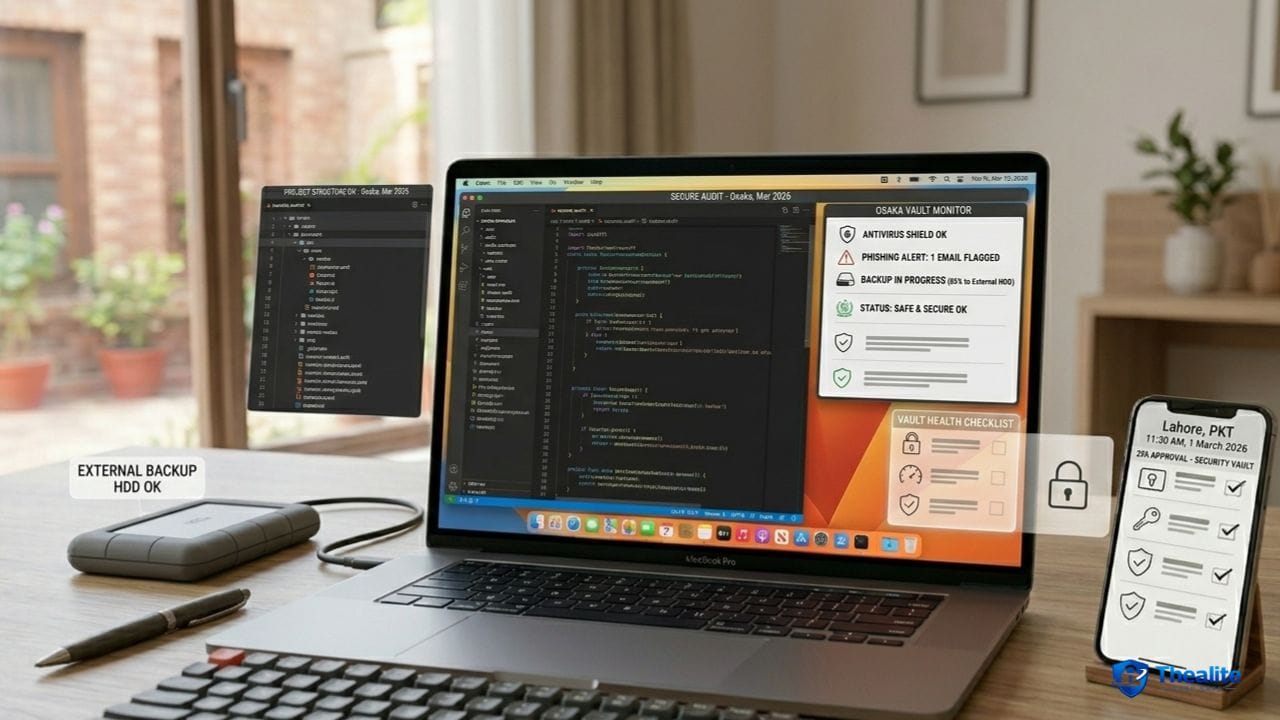
- Turn on MFA for email, banking, and any account with personal data.
- Store backup codes safely (not in a public note or unsecured doc).
More: How to Keep Your Password Safe and How to Keep Passwords Safe.
Secure your email first (the ‘master key’)
- Turn on MFA for email.
- Remove old recovery phone numbers/emails.
- Be suspicious of unexpected password reset emails.
- Check for unusual forwarding rules or unknown devices logged in.
Step 3: Protect Your Phone and Computer
Your phone holds passwords, texts, and authentication codes. If someone gets your unlocked phone, they can often reset accounts quickly.
Device security essentials
- Strong passcode + biometrics (avoid easy 4-digit codes).
- Automatic updates on (OS + apps).
- Enable Find My/Find My Device and remote wipe.
- Use a separate user account on shared computers.
- Avoid logging into sensitive accounts on shared/public computers.
Phone guide: Keep Phone Safe From Hackers and How to Keep My Phone Safe From Hackers.
Public Wi‑Fi rules
- Avoid banking or sensitive logins on unknown public Wi‑Fi.
- Use cellular data for sensitive actions when possible.
- If you must use public Wi‑Fi, don’t click unknown links and avoid account changes.
Step 4: Stop Phishing and Scams (Most Common Real-World Threat)
Phishing is when scammers trick you into giving personal info or login access. The #1 sign is urgency: “Act now or you’ll lose access.”
Common scam patterns
- Fake bank or delivery texts with a link to “confirm” info.
- Fake ‘support’ messages asking for your code.
- Caller claims to be a government agency or your bank and demands verification.
- “You won a prize” messages requesting personal details.
Anti-phishing rules that work
- Don’t click login links in texts/emails—open the official app/site yourself.
- Never share one-time codes (MFA) with anyone.
- If someone calls, hang up and call the official number from your card/statement.
- If you feel rushed, pause—urgency is a scam tool.
Step 5: Reduce Oversharing (Social Media and Daily Life)
Attackers use public info to target scams, guess passwords, and answer security questions. Privacy means limiting what strangers can learn from your posts.
- Don’t post ID documents, boarding passes, or tickets.
- Avoid showing your home address or license plates in photos.
- Don’t post real-time travel updates; post after you leave.
- Avoid quizzes that reveal security question answers (pet name, hometown).
Related: How to Keep Your Social Media Safe.
Step 6: Protect Physical Documents and Mail
Paper is still a big source of identity theft: mailed statements, medical paperwork, school forms, and old tax documents.
Document and mail safety
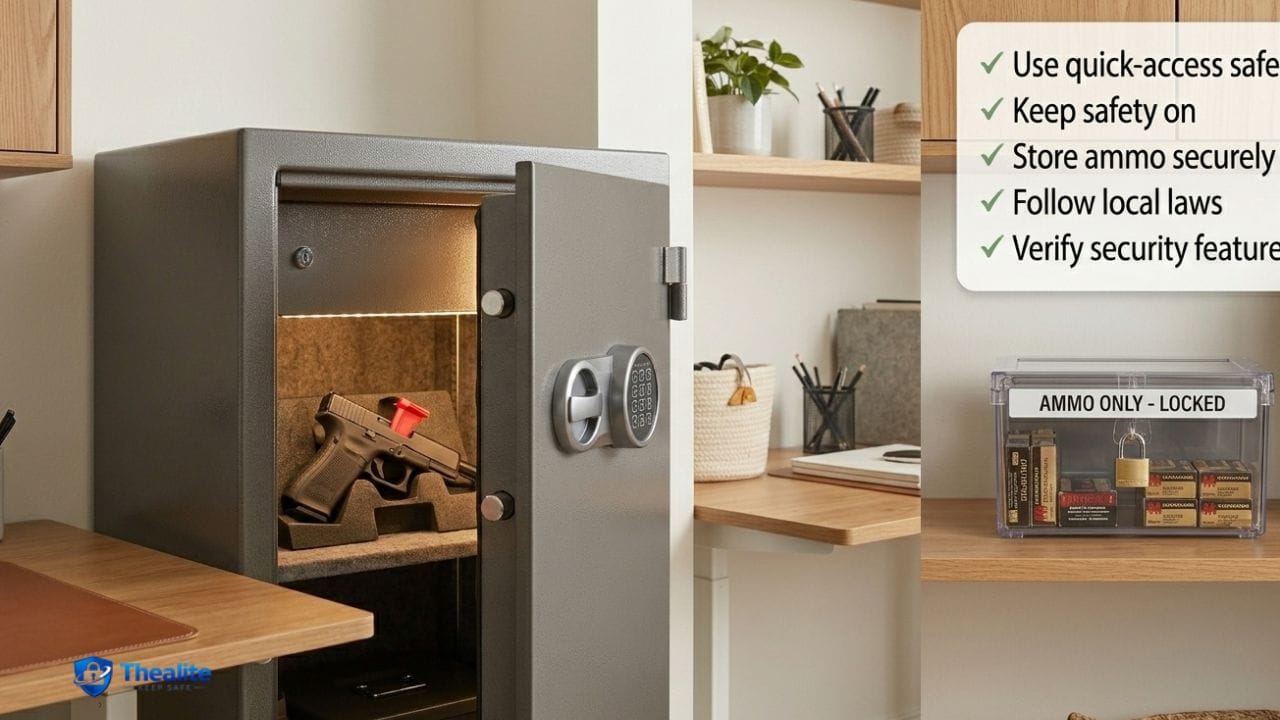
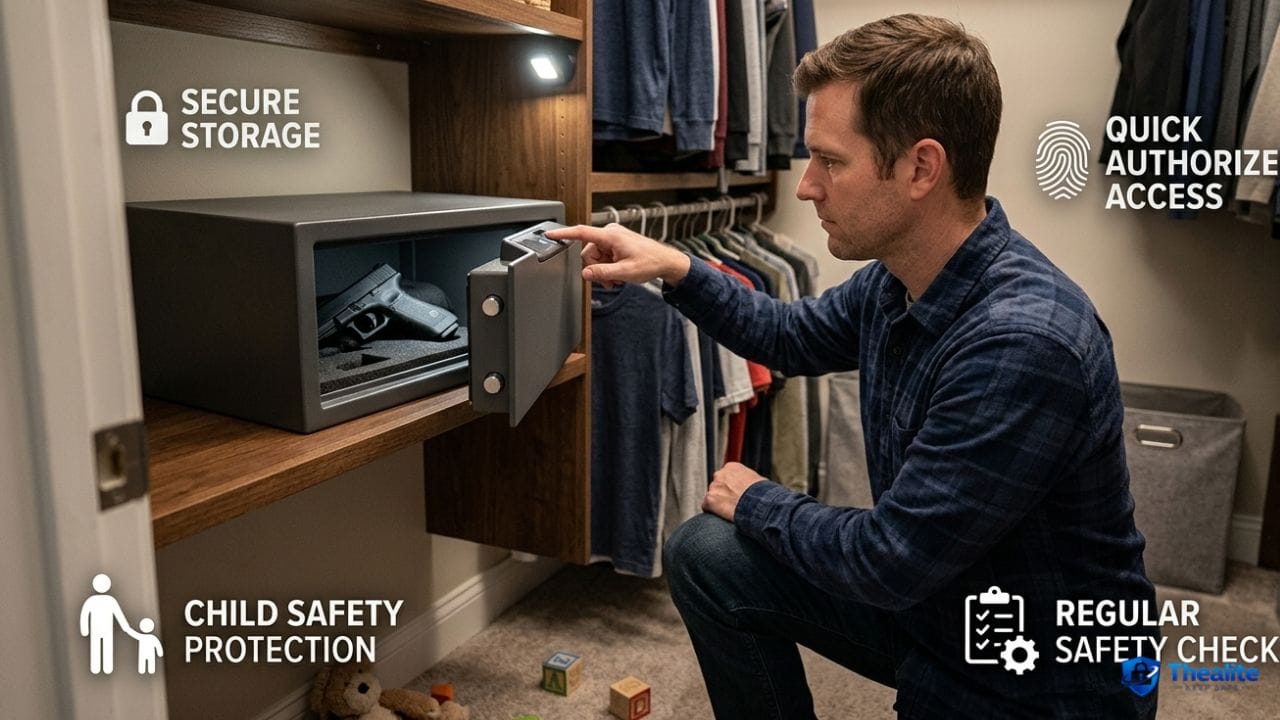
- Use a locked drawer or home safe for passports, SS cards, and originals.
- Shred sensitive mail and documents (cross-cut shredder is best).
- Switch to paperless billing where possible.
- Use a locked mailbox or collect mail promptly.
- Place a mail hold when traveling.
Step 7: Share Personal Info Safely (Work, School, and Services)
Personal info often leaks through ‘normal’ sharing—sending documents to the wrong email, sharing a link publicly, or oversharing on forms.
Safer sharing rules
- Ask ‘Do they truly need this?’ before sharing SSN or ID numbers.
- Verify recipients before sending attachments (especially with email autofill).
- Use view-only links with expiration when possible (instead of permanent access).
- Don’t send passwords in the same message as the file they unlock.
Step 8: Use Alerts and Monitoring (Catch Problems Early)
Monitoring isn’t paranoia—it’s early warning. Alerts reduce the time between fraud and action.
High-value alerts
- Banking alerts for transfers, withdrawals, and card-not-present purchases.
- Login alerts for email, cloud storage, and social media.
- Credit monitoring or at least periodic credit report checks.
Banking security overlap: How to Keep Bank Account Safe.
What to Do If Your Personal Information Is Exposed
If you think your personal info leaked, act in a calm order. Speed reduces damage.
Immediate action plan
- Change passwords for affected accounts and any reused passwords elsewhere.
- Secure your email first (password + MFA).
- Review account recovery settings and remove unknown devices/sessions.
- Turn on (or increase) alerts for banking and logins.
- Monitor accounts for unauthorized activity and dispute quickly.
- Consider freezing your credit if SSN or identity docs may be involved (U.S. option).
- Document what happened (dates, messages, screenshots).
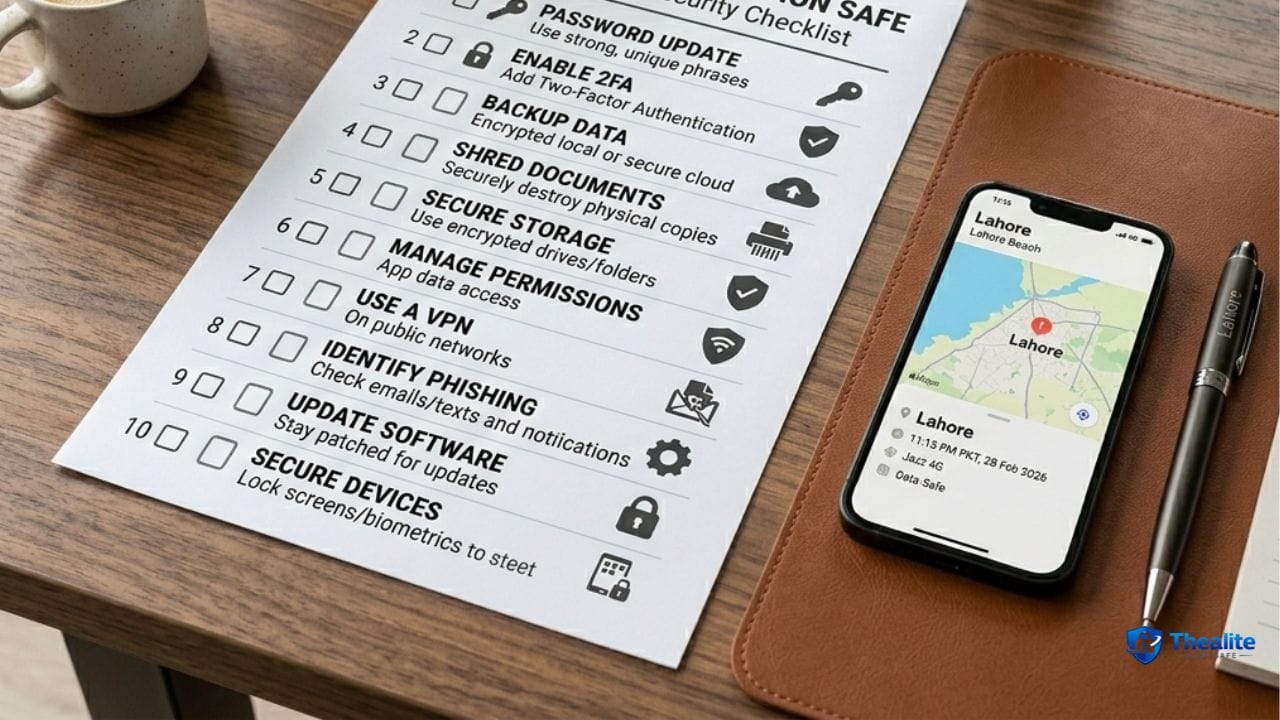
Copy/Paste Checklist: Keep Personal Information Safe
- Unique passwords + password manager for key accounts
- MFA enabled for email, banking, and cloud storage
- Phone locked, updated, Find My/remote wipe enabled
- No sharing SSN/ID unless necessary; verify recipients
- Phishing rules: no links, no codes shared, verify through official channels
- Social privacy: no ID photos, no address, no real-time location posts
- Mail and documents secured: locked storage + shred sensitive paper
- Alerts on for bank transactions and account logins
- If exposed: change passwords, secure email, remove unknown access, monitor/freeze credit if needed
FAQs
What is the best way to keep personal information safe?
Use layers: unique passwords + MFA, device security, limited sharing, phishing awareness, and safe document disposal. Email security is especially important because it controls password resets.
Should I share my Social Security number?
Only when necessary and with trusted organizations. Ask if another identifier can be used, and avoid sharing SSN through insecure channels.
How do I stop phishing scams?
Don’t click login links in messages, never share verification codes, and verify requests by contacting the organization through official numbers or apps.
Is it safe to store personal info in the cloud?
It can be safe when the account has a strong unique password, MFA, and careful sharing settings. Avoid public links and review permissions regularly.
What should I do after a data breach?
Change passwords (especially if reused), secure email, turn on alerts, monitor accounts, and consider a credit freeze if identity data was exposed.
Conclusion
You can keep personal information safe by using a simple system: secure accounts with unique passwords and MFA, protect your phone and email, limit what you share publicly, store and shred documents properly, and stay alert for phishing. Once these habits are in place, you dramatically reduce the odds of identity theft—and you’ll catch problems early if anything slips through.

As a digital marketer, she has received multiple international awards, including Campaign of the Year at the 2023 European Content Awards and Best Use of Content Marketing at the 2022 Global Search Awards. Nicai holds an MSc in Marketing (First Class Honours) from the UCD Smurfit Graduate Business School and she has also completed the Artificial Intelligence Programme at Oxford University’s Saïd Business School. She is also a contributing writer for publications such as Entrepreneur and Esquire.