Your bank account is one of the most valuable targets for criminals because it connects directly to money, identity information, and other financial accounts. Most fraud isn’t “movie-style hacking.” It’s usually one of three things: **stolen passwords**, **social engineering scams**, or **debit card/ATM compromise**.
The best protection is a layered system: strong login security, alerts, safer payment habits, device protection, and a plan for what to do if anything looks suspicious. This guide is written for a U.S. audience and focuses on practical steps you can apply today.
Quick Answer (The 10 Bank Safety Rules)
- Use a unique, strong password for online banking (never reuse).
- Enable multi-factor authentication (MFA) if your bank offers it.
- Secure the email and phone number tied to your bank account (they control resets).
- Turn on transaction alerts (withdrawals, transfers, Zelle/ACH, card purchases).
- Limit debit card exposure (use credit card for everyday purchases when possible).
- Watch for bank scams and phishing (never share codes; don’t click random links).
- Protect your devices (updates, screen lock, avoid risky public Wi‑Fi for banking).
- Use account features like transfer limits, trusted devices, or spending controls.
- Review statements and linked accounts regularly.
- If fraud happens: contact bank immediately, change passwords, freeze cards, and document everything.
The Most Common Ways Bank Accounts Get Compromised
Understanding the most common attack paths helps you protect the right things.
- Account takeover: someone gets your banking password (often from password reuse).
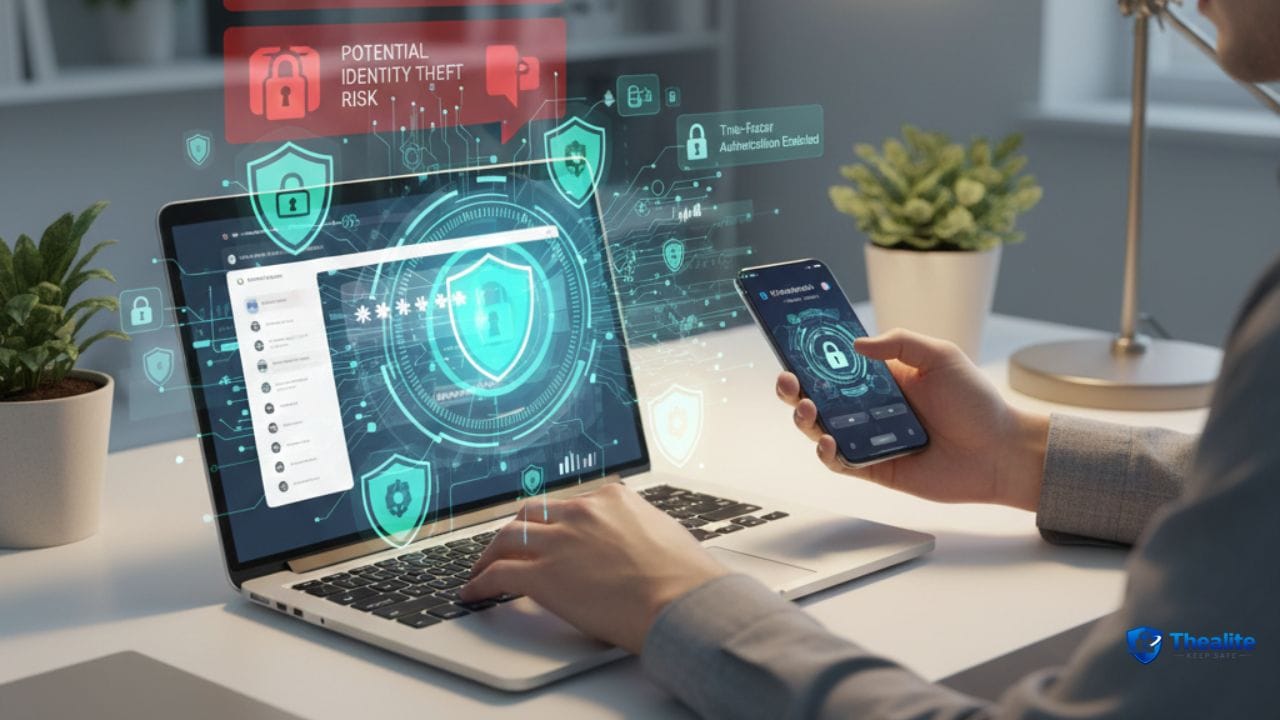
- Phishing and fake support: you’re tricked into giving a one-time code or login.
- Debit card compromise: skimmers, stolen card numbers, or stolen card + PIN.
- SIM swap / phone takeover: criminals hijack your phone number to intercept codes.
- Compromised email: attackers reset your bank password through your email.
Step 1: Lock Down Online Banking Login (Password + MFA)
For most people, login security is the single biggest upgrade. A unique password and MFA stop a large share of account takeovers.
Use a unique password (non-negotiable)
- Use a password that you do not use anywhere else.
- Use a password manager if possible so you don’t reuse passwords.
- Change it immediately if you see any suspicious login or alert.
Password help: How to Keep Your Password Safe • How to Keep Passwords Safe.
Enable MFA (2-step verification) where possible
- Turn on MFA in your bank’s security settings.
- App-based or device-based approvals are often stronger than SMS when available.
- Never share one-time codes with anyone (real bank support won’t ask for them).
Secure your email and phone (because they reset your bank)
If your email is compromised, your banking can be compromised. Treat email like the master key.
- Use a unique password + MFA for your email account.
- Review recovery phone numbers and remove old numbers.
- Be alert for unexpected “password reset” emails or texts.
Identity protection: How to Keep Your Identity Safe Online.
Step 2: Turn On Alerts (Your Early Warning System)
Alerts are one of the best fraud-prevention tools because they reduce the time between fraud and action. Set them once and let them work.
High-value alerts to enable
- Any transfer/ACH/Zelle or external transfer
- Any withdrawal or ATM transaction
- Any card-not-present purchase (online)
- Any login from a new device or password change
- Low-balance alerts (prevents overdraft surprises during fraud)
Step 3: Reduce Debit Card Risk (Common Weak Point)
Debit cards pull directly from your checking account. That makes them higher-impact when compromised compared to a credit card.
Safer debit card habits
- Use credit card for everyday purchases when possible (adds separation).
- Keep your debit card locked/frozen in the bank app when you’re not using it (if your bank supports it).
- Avoid using debit cards at sketchy ATMs or unfamiliar gas pumps (common skimmer locations).
- Cover the keypad when entering your PIN.
More: How to Keep Debit Card Safe.
Step 4: Avoid Bank Scams and Phishing
A lot of “bank fraud” is actually scams where the victim authorizes something because they’re pressured or tricked.
Common bank scam patterns
- Fake fraud alert texts/calls: “Your account is locked—verify now.”
- Caller impersonates your bank and asks for the code that was just texted to you.
- Urgent pressure: “Move your money to a safe account” (a scammer account).
- Fake links that look like your bank login page (phishing).
Anti-scam rules that work
- Don’t click links in bank texts/emails—open your bank app or type the website yourself.
- Never share one-time codes, PINs, or full passwords.
- If a caller pressures you, hang up and call the number on the back of your card.
- If you’re told to move money “to protect it,” pause—this is a classic scam signal.
Step 5: Protect Your Phone and Computer
Online banking is only as safe as the device you use. If your phone is compromised, your bank account can be next.
- Use a strong phone passcode + biometrics.
- Turn on automatic updates for iOS/Android and apps.
- Avoid logging into banking on shared/public computers.
- Use cellular data rather than unknown public Wi‑Fi for banking when possible.
- Enable screen lock and remote wipe/Find My features.
Device help: Keep Phone Safe From Hackers.
Step 6: Use Smart Account Features (If Your Bank Offers Them)
Banks often have settings that reduce damage during fraud. Check your options.
- Transfer limits (daily limits on outbound transfers).
- Trusted devices or login approvals.
- Card controls (freeze card, spending limits, merchant category blocks).
- Account separation (keep a smaller amount in checking; keep larger funds in savings).
Step 7: Monitor and Review (So Small Problems Don’t Grow)
- Review transactions weekly (or set alerts that effectively do this).
- Review monthly statements for small “test” charges.
- Check linked external accounts and remove anything you don’t recognize.
- Update contact info so alerts reach you (email/phone).
What to Do If You Think Your Bank Account Was Compromised
Speed matters. The earlier you act, the easier it is to stop losses.
Immediate action plan (best order)
- Contact your bank immediately using the official number (back of card or bank app).
- Freeze/lock your debit card and stop transfers if possible.
- Change your banking password (and email password if you suspect email compromise).
- Remove unknown devices and revoke unknown external account links.
- Dispute unauthorized transactions and ask about next steps and documentation.
- Monitor your credit and consider identity protection steps if personal data may be involved.
Copy/Paste Checklist: Keep Your Bank Account Safe
- Unique banking password + password manager
- MFA enabled for bank and email
- Transaction alerts enabled (transfers, withdrawals, logins)
- Debit card locked when not in use; avoid risky ATMs
- No clicking bank links; verify by calling official number
- Phone secured (updates + passcode + Find My)
- Weekly transaction review; monthly statement review
- If fraud: call bank → freeze card → change passwords → remove unknown links/devices
FAQs
Is a checking account safe to keep money in?
For everyday spending, yes—especially at a reputable bank with strong security. Many people keep only what they need in checking and keep larger funds in savings or other accounts.
Is a debit card or credit card safer for purchases?
Credit cards often provide more separation from your checking balance. Debit cards pull directly from your bank account, so fraud can be more disruptive.
What’s the biggest mistake people make with online banking?
Reusing passwords and clicking phishing links. Unique passwords and MFA stop many real-world attacks.
Should I use public Wi‑Fi for banking?
It’s safer to avoid it. Use your cellular connection or a trusted network for sensitive banking actions.
How do I know if my bank account is hacked?
Unexpected alerts, transfers you didn’t make, password reset messages you didn’t request, new payees/linked accounts, or login notifications from unfamiliar devices are key warning signs.
Conclusion
Keeping a bank account safe comes down to layers: unique passwords, MFA, alert setup, and scam awareness—plus reducing debit card exposure and protecting your devices. Once you set up these habits, your account becomes harder to compromise and easier to recover if something suspicious happens.

As a digital marketer, she has received multiple international awards, including Campaign of the Year at the 2023 European Content Awards and Best Use of Content Marketing at the 2022 Global Search Awards. Nicai holds an MSc in Marketing (First Class Honours) from the UCD Smurfit Graduate Business School and she has also completed the Artificial Intelligence Programme at Oxford University’s Saïd Business School. She is also a contributing writer for publications such as Entrepreneur and Esquire.