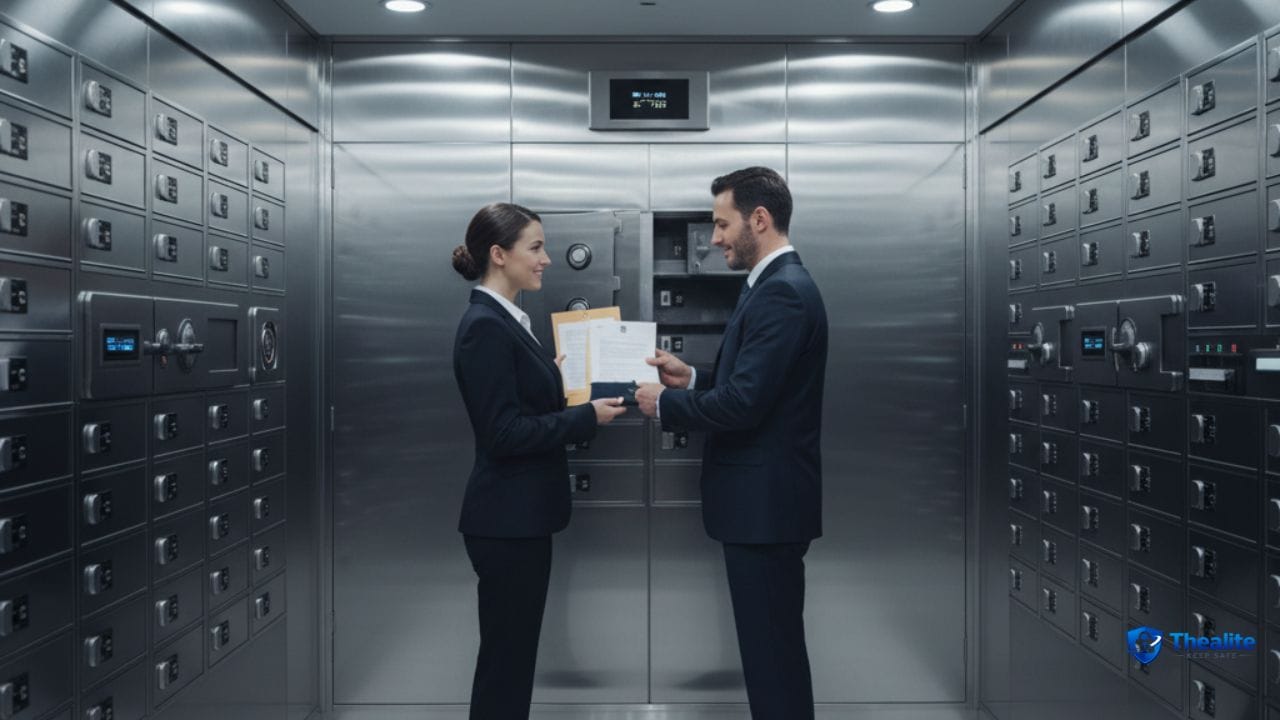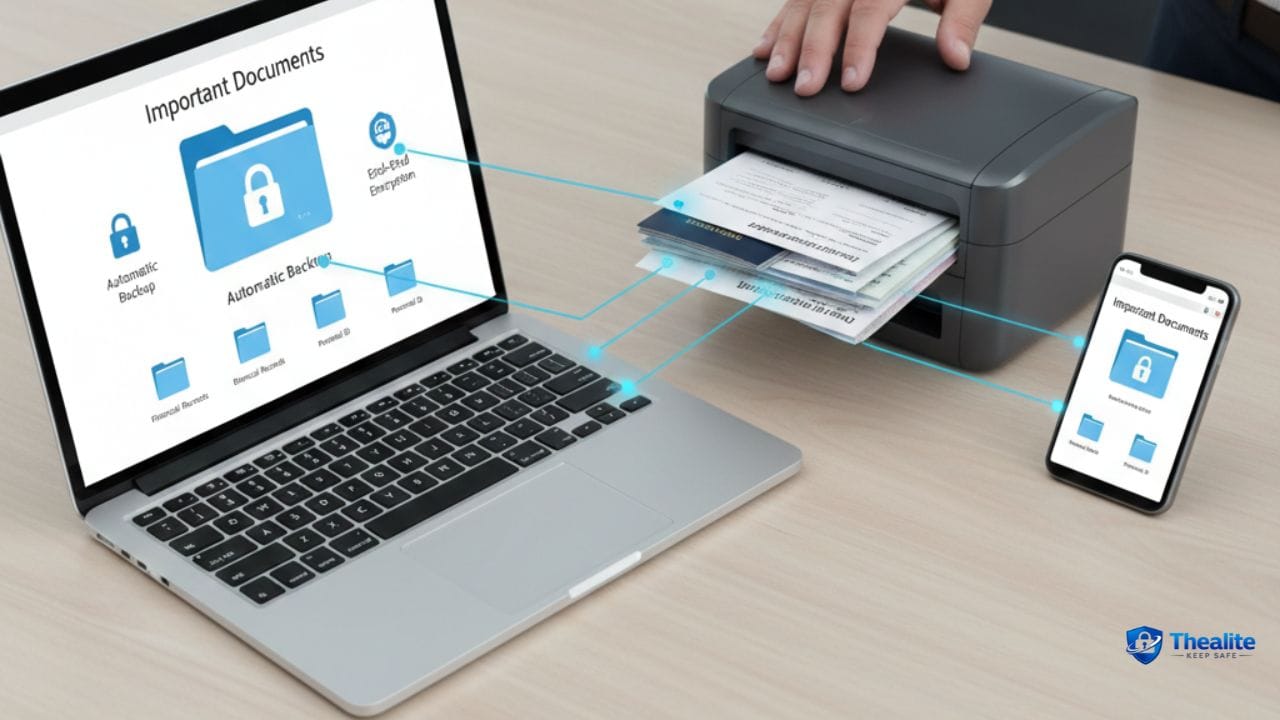
To keep important documents safe online, you need two layers: secure storage and secure access. Store documents in encrypted cloud storage (or an encrypted vault), protect the account with a strong password and multi‑factor authentication (MFA), and keep an encrypted backup copy so you don’t lose access. Most document leaks happen because files get shared publicly, accounts get phished, or scans are saved in unprotected folders.
What Counts as “Important Documents”?
These are the documents you want protected from identity theft and loss:
- Passport, driver’s license, birth certificate
- Social Security card or SSN documents
- Tax returns and pay stubs
- Bank statements and loan paperwork
- Medical records and insurance documents
- Property documents and lease agreements
- Wills, power of attorney, and legal paperwork
Step 1: Scan Documents Safely (Before You Upload Anything)
Scanning is often where risk begins. People scan and forget where the file went.
Safer scanning habits:
- Scan from a trusted device (your phone or personal computer).
- Avoid scanning sensitive documents on office/public machines.
- Name files clearly but privately (avoid file names like “SSN_John_Smith.pdf”).
- Save scans to a secure folder immediately (not a shared Downloads folder).
Step 2: Choose a Safe Storage Method (3 Good Options)
Option A: Encrypted cloud storage account (good for most people)
A reputable cloud drive can be safe when you use MFA and strong passwords. The key is preventing account takeover and preventing accidental public sharing.
Best practices:
- Enable MFA on the account.
- Use a password manager and a unique strong password.
- Turn off public link sharing by default (if the platform allows).
- Use a dedicated folder for sensitive docs.
Option B: Encrypted “vault” or password manager file storage
Some password managers and encrypted vault apps let you store secure notes or files. This can be a strong option because it’s designed for sensitive data.
Good for: ID scans, recovery codes, and small sets of important PDFs.
Option C: Encrypted local drive + backup
If you prefer offline control, store files on an encrypted device (like an encrypted external drive). But you still need a backup, or one device failure can wipe everything.
Good for: large archives, legal records, or people who don’t want cloud storage.
Step 3: Lock Down Access (This Prevents Most Document Theft)
Even the best storage fails if access is weak.
- Use a password manager for storage account passwords.
- Enable MFA (authenticator app is better than SMS).
- Secure your email account (because it resets passwords).
- Turn on login alerts so you know immediately if someone tries to access your account.
Step 4: Use Smart Folder Structure (So You Don’t Overshare)
Messy storage leads to accidental sharing.
Simple structure that works:
- 01_IDs (passport, license, birth certificate)
- 02_Money (taxes, banking, loans)
- 03_Health (insurance, records)
- 04_Home (lease, property docs)
- 05_Legal (wills, POA)
Keep sharing separate: create a “To Share” folder so you don’t accidentally share your private archive.
Step 5: Sharing Rules (Avoid Accidental Public Links)
Sharing settings are where people slip up.
Safer sharing rules:
- Never share sensitive documents with “Anyone with the link” unless absolutely necessary.
- Prefer “specific people only” sharing.
- Set link expiration and password protection if available.
- Double-check permissions after sharing (view vs. edit).
- Remove sharing access when it’s no longer needed.
Step 6: Backups (So You Don’t Lose Access)
Security includes availability. Losing access is also a risk.
A simple backup plan:
- Keep the main copy in your secure storage.
- Keep a second copy (encrypted) on an external drive stored safely.
- Save account recovery codes offline (printed or stored securely).
Step 7: Add Monitoring (Early Warnings Help)
Monitoring helps you catch problems early.
- Turn on alerts for new logins and password changes.
- Review account access logs when available.
- If storing ID documents, monitor for identity theft (credit checks/alerts in the U.S.).
What NOT to Do (Common Document Safety Mistakes)
- Storing ID scans in unprotected email drafts or plain notes
- Saving sensitive files in public/shared folders
- Leaving documents named with full SSN or full legal name in the file title
- Sharing “anyone with link” access and forgetting to turn it off
- Using weak passwords or no MFA on the storage account
Quick Checklist: Keep Important Documents Safe Online
- Scan on a trusted device
- Store in encrypted cloud/vault or encrypted local storage
- Use unique strong password + MFA
- Secure email account too
- Use a “To Share” folder to avoid mistakes
- Avoid public link sharing
- Keep an encrypted backup copy
- Save recovery codes safely
FAQs
Is it safe to store important documents in the cloud?
It can be safe if you use MFA, a unique strong password, and careful sharing settings. Most risks come from account takeover or accidental public links.
What is the safest way to share a sensitive document?
Share with specific people only, set link expiration if available, and remove access once it’s no longer needed.
Should I store my Social Security card scan online?
Only if you store it in a secure encrypted location with MFA and strong access controls. Many people store it offline and keep an encrypted digital backup for emergencies.
How do I keep document backups safe?
Use encryption for backups and store the backup drive in a safe place. Keep recovery codes and passwords protected too.
More “Keep Safe” Guides
Explore more safety topics at Thealite Keep Safe. For privacy basics, read how to keep your personal information safe online.

As a digital marketer, she has received multiple international awards, including Campaign of the Year at the 2023 European Content Awards and Best Use of Content Marketing at the 2022 Global Search Awards. Nicai holds an MSc in Marketing (First Class Honours) from the UCD Smurfit Graduate Business School and she has also completed the Artificial Intelligence Programme at Oxford University’s Saïd Business School. She is also a contributing writer for publications such as Entrepreneur and Esquire.