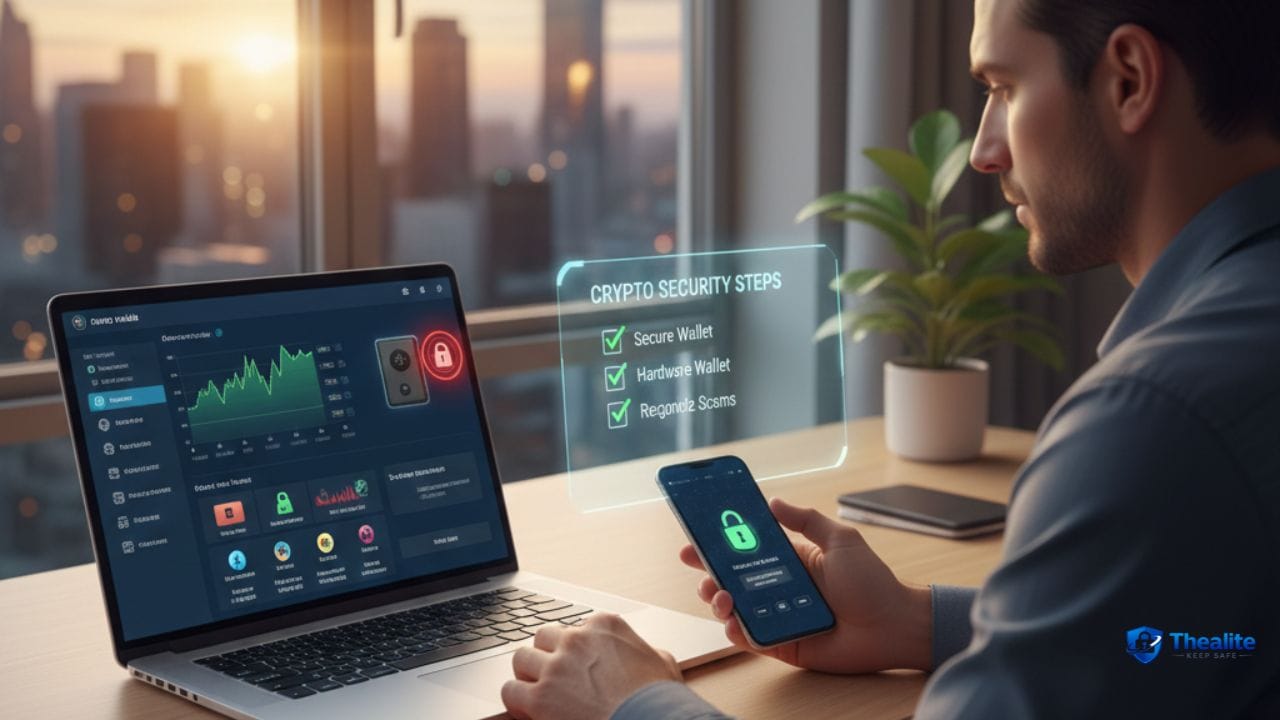
To keep crypto safe, protect three things: your device, your accounts, and your wallet keys. Use a hardware wallet for long-term holdings, keep your seed phrase offline and private, enable 2FA on exchanges, and learn common scam patterns (fake support, fake airdrops, “free money” links). Most crypto losses happen from phishing and poor key storage—not from “blockchain hacks.”
The Big Idea: Who Controls the Keys Controls the Crypto
Crypto security is different from bank security. If someone gets your private keys or seed phrase, they can move your funds—and transactions are usually not reversible.
That’s why the safest setups reduce the chances of: (1) seed phrase exposure, (2) device compromise, and (3) phishing.
1) Choose the Right Storage: Hot Wallet vs Cold Wallet
You don’t have to do anything fancy. Just match storage to how you use your crypto.
Hot wallet (phone/browser wallet)
Convenient for small balances and daily use. Higher risk because it lives on an internet-connected device.
Cold wallet (hardware wallet)
Best for long-term storage. Your keys stay off the internet, so it’s much harder for attackers to steal them remotely.
Simple rule: keep spending money in a hot wallet, and savings in a hardware wallet.
2) Protect Your Seed Phrase Like Cash + Identity Combined
Your seed phrase (recovery phrase) is the master key. Anyone who sees it can take your crypto.
Do this:
- Write it down offline (paper or a durable backup).
- Store it somewhere private and secure (not in your phone photos).
- Keep more than one secure copy in separate safe locations if needed.
- Never type it into random websites or “verification” forms.
Do NOT do this:
- Don’t save your seed phrase in screenshots, notes apps, email, or cloud docs.
- Don’t share it with “support” or “recovery services.”
- Don’t store it in a plain text file on your computer.
3) Lock Down Your Exchange Accounts (If You Use Exchanges)
Exchanges are useful, but they are online targets. If you keep funds on an exchange, security settings matter a lot.
Minimum settings:
- Use a password manager and a unique long password.
- Turn on 2FA (authenticator app is better than SMS).
- Enable withdrawal allow-list (withdraw only to approved addresses) if available.
- Turn on login + withdrawal alerts.
- Beware of fake exchange emails and fake “security warnings.”
Related: Is it safe to keep crypto on Coinbase.
4) Secure the Device You Use for Crypto
If your phone or computer is compromised, your crypto is at risk.
- Keep your device updated (OS + browser).
- Use a strong screen lock and enable biometric lock when possible.
- Avoid installing cracked apps, unknown extensions, or random APKs.
- Use a separate browser profile (or even a separate device) for crypto activity.
Helpful reading: how to keep your phone safe from hackers.
5) Learn the Scams That Steal Crypto the Most
If you can spot scams, you avoid most losses.
Common red flags:
- “Free crypto” or “free airdrop” links that require wallet connection
- Fake support DMs asking for your seed phrase or codes
- Urgent messages: “account will be closed” / “verify now”
- Look-alike websites (one letter off) and fake apps
- Random tokens showing up in your wallet with links in the memo/description
Safety move: never connect your main wallet to unknown sites. Use a separate low-balance wallet for testing.
6) Use “Two Wallets” Strategy (Simple and Effective)
A practical setup many people use:
- Wallet A (Savings): hardware wallet, rarely used, large balance.
- Wallet B (Spending/Test): hot wallet, small balance, used for dApps and links.
This way, one mistake doesn’t wipe everything.
7) Sending Crypto Safely (Avoid Wrong Address Mistakes)
Crypto transfers can’t usually be reversed. Slow down for 20 seconds.
- Double-check the network (sending on the wrong network can lose funds).
- Copy/paste addresses—don’t type them.
- Verify the first and last characters of the address.
- Send a small test transaction first for large amounts.
If You Think You’ve Been Hacked: What to Do Immediately
Time matters. Do this in order:
- Disconnect your wallet from all sites and revoke permissions (if you can).
- Move remaining funds to a fresh wallet (new seed phrase) ASAP.
- Change exchange passwords and enable/refresh 2FA.
- Secure your email account (it resets your logins).
- Scan devices for malware; consider using a clean device for recovery actions.
Quick Checklist: How to Keep Crypto Safe
- Hardware wallet for long-term holdings
- Seed phrase stored offline and private
- Unique strong passwords + 2FA on exchanges
- Withdrawal allow-list + alerts
- Keep devices updated and clean
- Use a separate “test” wallet for unknown sites
- Slow down when sending (network + address check)
FAQs
What is the safest way to store crypto?
For most people, a hardware wallet with the seed phrase stored offline is the safest long-term option.
Is it safe to leave crypto on an exchange?
It can be okay for short-term trading, but long-term storage is usually safer in a wallet you control. If you do use an exchange, enable strong security settings and alerts.
Should I store my seed phrase in the cloud?
No. Cloud notes, screenshots, email, and docs are common leak points. Offline storage is safer.
How do people usually lose crypto?
Phishing links, fake support, leaked seed phrases, and compromised devices are the most common causes.
More “Keep Safe” Guides
For broader security habits, read how to keep passwords safe and how to keep data safe and secure. You can also explore more topics at Thealite Keep Safe.

As a digital marketer, she has received multiple international awards, including Campaign of the Year at the 2023 European Content Awards and Best Use of Content Marketing at the 2022 Global Search Awards. Nicai holds an MSc in Marketing (First Class Honours) from the UCD Smurfit Graduate Business School and she has also completed the Artificial Intelligence Programme at Oxford University’s Saïd Business School. She is also a contributing writer for publications such as Entrepreneur and Esquire.