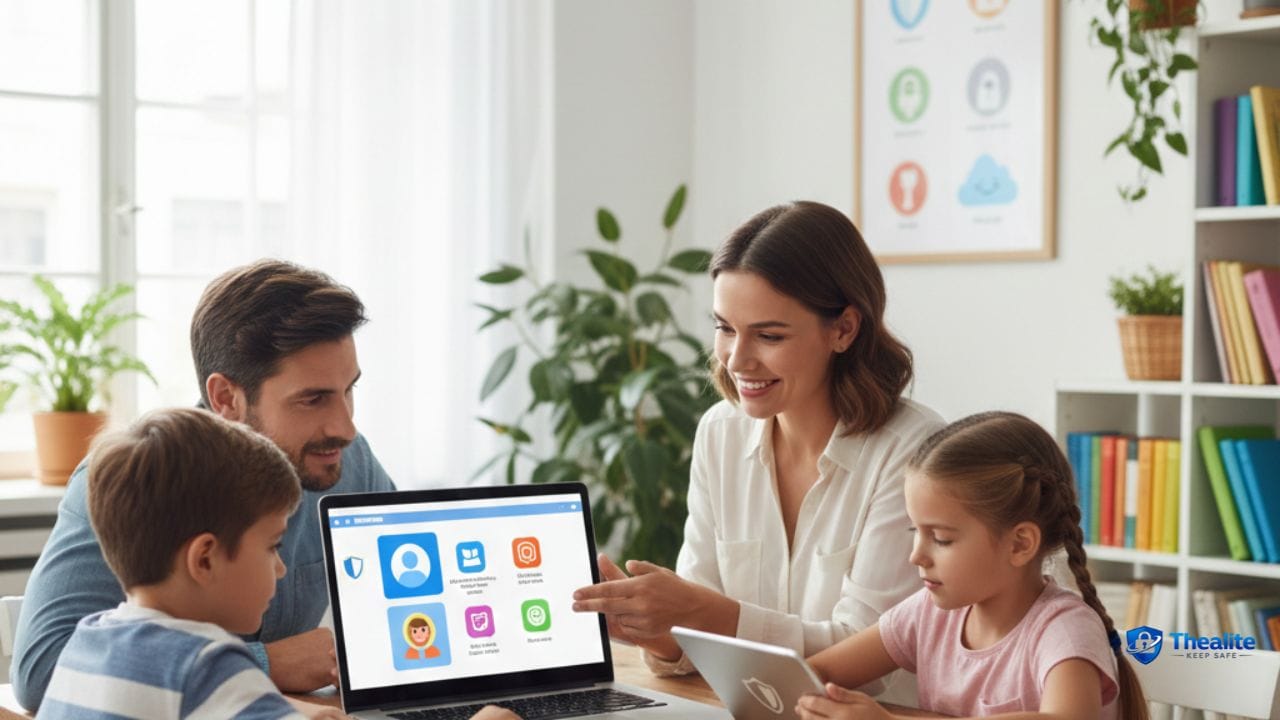
Handing a tablet or smartphone to a child can often feel like handing them the keys to a vast, unmapped city. YouTube is the largest video platform in the world, offering incredible educational content, fun music, and endless entertainment. However, its powerful recommendation algorithm and user-generated content model mean that inappropriate videos, harsh language, and disturbing imagery can easily slip onto your child’s screen. For parents, understanding the digital landscape is non-negotiable. Taking proactive steps today ensures that your child’s online viewing remains a positive, safe, and age-appropriate experience.
Why YouTube Safety Matters for Kids
The core challenge with video platforms is the auto-play feature and algorithmic recommendations. A child might start by watching a harmless cartoon, but within three or four automatic clicks, the algorithm could lead them down a rabbit hole of scary or mature content. Because the platform relies heavily on user uploads, moderation isn’t always perfect. Grasping the fundamentals of how to keep kids safe online begins with securing the apps they spend the most time on, and for modern families, that usually means tackling YouTube first.
YouTube Kids vs. Regular YouTube
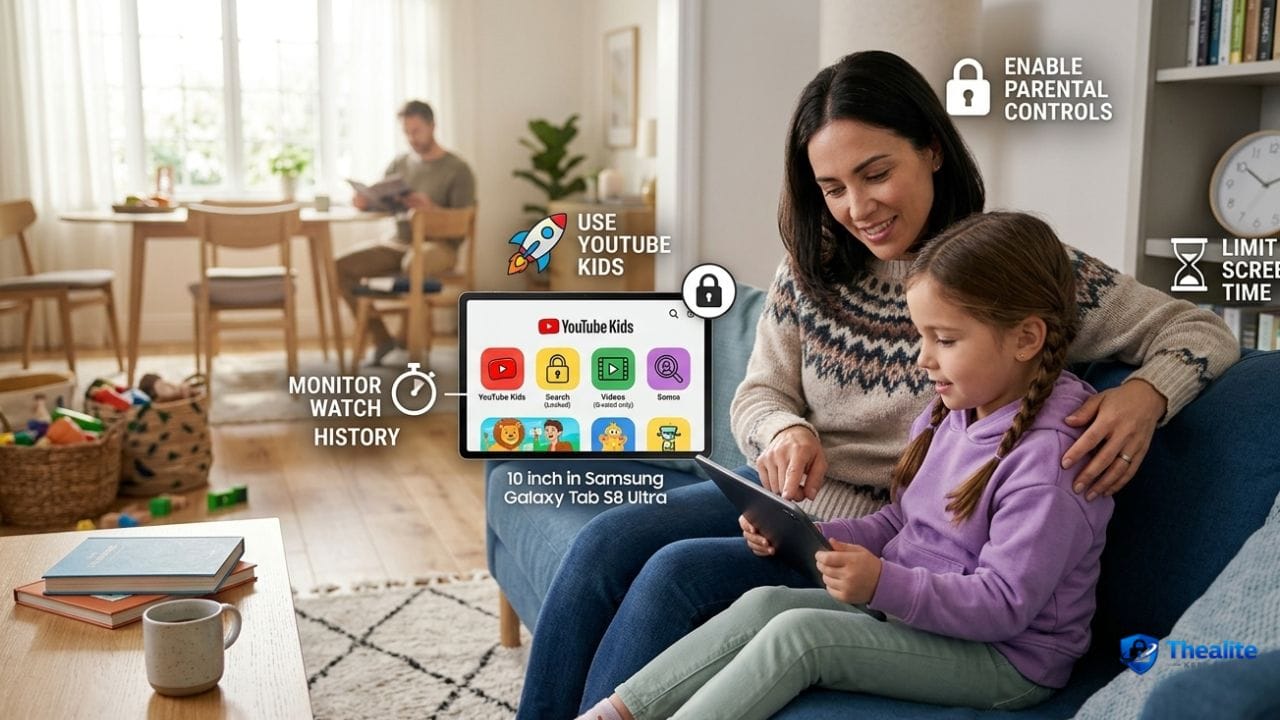
One of the easiest ways to protect younger viewers is knowing the difference between the main app and its child-friendly counterpart. YouTube Kids is a separate app designed specifically for children under 13. It features a simplified interface, heavily filtered content, and robust parental control settings that allow you to handpick what your child can watch. While the main YouTube app is designed to keep users watching for as long as possible, YouTube Kids gives parents the steering wheel.
How to Keep Kids Safe on YouTube with Parental Controls
If you are wondering how to keep kids safe on YouTube when they outgrow the “Kids” app, Google offers “Supervised Experiences.” This feature allows parents to link their Google account to their child’s account and choose from three content settings: “Explore” (ages 9+), “Explore More” (ages 13+), and “Most of YouTube” (excludes age-restricted content). Furthermore, you can turn on “Restricted Mode” on any shared family device, which uses community flagging to hide potentially mature videos.
Privacy Settings, Search Controls, Autoplay, and Watch History
Taking control of the app’s internal settings is your strongest defense. Here are the immediate adjustments every parent should make:
- Turn off Autoplay: This stops the endless cycle of videos and forces the child to actively choose their next video, preventing algorithmic rabbit holes.
- Disable Search: On YouTube Kids, turning off the search function restricts the child to only watching channels and videos verified by human reviewers.
- Check Watch History: Make it a weekly habit to scroll through the “History” tab to see exactly what has been viewed.
How to Reduce Exposure to Harmful Videos, Comments, Ads, and Strangers
Video content isn’t the only risk; the comment section is notoriously toxic. On a supervised account, comments and live chat are automatically disabled. If your older teen uses the main app, teach them to ignore the comment section completely. Many popular channels are gaming-related, so managing this exposure is very similar to learning how to keep kids safe on Roblox, where controlling chat features is vital to stopping strangers from contacting your child.
Screen-Time Rules and Family Media Habits
Technology controls can only do so much; family rules must do the rest. Establish clear boundaries around when and where screens are allowed. For example, keeping tablets out of the bedroom ensures that viewing happens in common areas where parents can casually monitor the content. Just as you establish physical household rules like how to keep important documents safe at home under lock and key, you should set firm boundaries around digital access to build healthy, lifelong tech habits.
What Parents Should Teach Kids Before They Use YouTube
Before letting your child browse independently, sit down and have a conversation about digital citizenship. Teach them that not everything they see in a video is real or true. Emphasize that they should never share their real name, school, or location in video comments or live chats, which is a foundational rule if you want them to understand how to keep your identity safe online.
Signs a Child May Be Seeing Unsafe Content
Children rarely volunteer that they saw something scary online because they fear losing their device privileges. Watch for these behavioral signs:
- Quickly minimizing the screen or turning off the tablet when you walk into the room.
- Sudden sleep disturbances, nightmares, or fear of the dark.
- Using aggressive language or mimicking dangerous stunts they saw in a video.
- Extreme irritability when it is time to turn the screen off.
What to Do If a Child Finds Disturbing or Inappropriate Videos
If your child stumbles across something scary, stay calm. If you overreact, they will likely hide it from you next time. Ask them how the video made them feel and reassure them they are safe. Immediately use the platform’s reporting tool to flag the video, and block the channel so it does not appear in their feed again. Also, use this as a teachable moment to remind them not to click suspicious links in video descriptions, which is a great early lesson to keep my phone safe from hackers and malware.
Common Mistakes Parents Make with YouTube Safety
A common mistake is assuming that animated thumbnails mean the video is for kids; many creators use cartoon characters to trick algorithms into showing mature parodies to younger audiences. Another trap is relying entirely on the software to do the parenting. No app filter is 100% perfect. Co-viewing—sitting and watching a few videos together—remains the most effective way to know exactly what media your child is consuming.
Frequently Asked Questions (FAQ)
How to keep kids safe on YouTube?
You can keep kids safe on YouTube by utilizing the separate YouTube Kids app for younger children, setting up “Supervised Experiences” for tweens, turning off the autoplay feature, and regularly reviewing their watch history.
Is YouTube Kids safer than YouTube?
Yes, YouTube Kids is significantly safer. It uses a mix of automated filters, human review, and parent-selected settings to filter out mature content, comments, and direct messaging, creating a walled-garden experience for children under 13.
Should kids have their own YouTube account?
Children under 13 should not have a standard, unsupervised Google or YouTube account. Instead, parents should create a supervised profile linked to the parent’s Family Link account to maintain control over content settings and screen time.
How do you block inappropriate videos on YouTube?
You can block inappropriate videos by turning on “Restricted Mode” in the account settings, which screens out potentially mature content. If you see a specific bad video, tap the three dots next to it and select “Don’t recommend channel” or block the user entirely.
Should parents turn off autoplay for kids?
Yes, turning off autoplay is highly recommended. It prevents the algorithm from automatically pulling the child down a rabbit hole of unrelated or progressively more mature content and makes it easier to enforce screen-time limits.
How much YouTube time is too much for children?
The American Academy of Pediatrics recommends avoiding screen time (except video chatting) for children under 18 months. For children ages 2 to 5, screen time should be limited to one hour per day of high-quality programming. For older kids, parents should place consistent limits that don’t interfere with sleep, exercise, or schoolwork.
What should parents do if a child watches something disturbing?
Stay calm and do not punish the child. Ask them about what they saw and reassure them. Use the platform’s tools to report and block the video or channel, and review your parental control settings to ensure filters are as strict as they need to be.
How can families set better YouTube rules at home?
Families can set better rules by keeping devices in common areas like the living room, disallowing screens in bedrooms or at the dinner table, and creating a digital media contract that outlines clear expectations for safe browsing behavior.

As a digital marketer, she has received multiple international awards, including Campaign of the Year at the 2023 European Content Awards and Best Use of Content Marketing at the 2022 Global Search Awards. Nicai holds an MSc in Marketing (First Class Honours) from the UCD Smurfit Graduate Business School and she has also completed the Artificial Intelligence Programme at Oxford University’s Saïd Business School. She is also a contributing writer for publications such as Entrepreneur and Esquire.