Your data isn’t “just files.” It’s your identity, money access, and reputation—stored in digital form. Email messages, photos, passwords, bank logins, medical portals, school accounts, and even your phone number all connect to one thing: your ability to prove who you are.
That’s why keeping your data safe matters. When data leaks or accounts get taken over, the damage is rarely limited to one website. A single breach can trigger a chain reaction: password resets, financial fraud, social media takeovers, and long-term identity theft.
This guide is written for a U.S. audience and explains the real-world reasons data safety matters—plus a simple prevention system you can actually follow.
Related reading on your site: How to Keep Data Safe and Secure • How to Keep Your Identity Safe Online • Keep Personal Information Safe Online • Keep Bank Account Safe Online • Keep Phone Safe From Hackers
Quick Answer
It’s important to keep your data safe because your data can be used to steal your identity, drain accounts, take over logins, scam your friends and family, and expose private information you never intended to share. Strong data safety habits—unique passwords, multi-factor authentication, updates, backups, and smart privacy settings—prevent most common attacks and reduce the damage if a breach happens.
What Counts as ‘Your Data’?
Data security isn’t only about documents on a laptop. It includes:
- Personal identifiers: full name, date of birth, address, Social Security number, driver’s license number
- Account access data: passwords, recovery emails, phone numbers, security questions
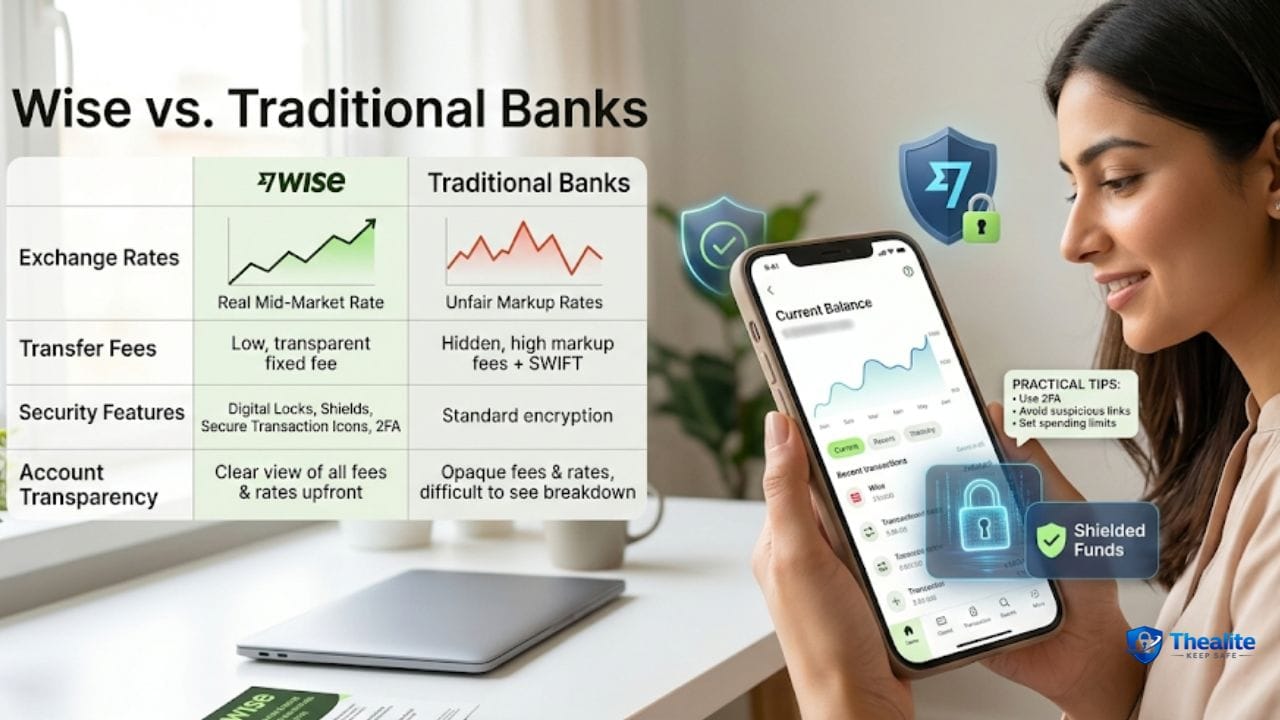
- Financial data: bank logins, card numbers, payment apps, tax returns
- Health and school data: patient portals, insurance info, student accounts
- Device data: photos, contacts, location history, saved messages
- Work data: emails, files, client info, logins, internal documents
The Big Reasons Data Safety Matters
1) Identity theft can take months to fix
Identity theft isn’t always immediate. Criminals may use your information to open accounts, apply for loans, file fake tax returns, or commit other fraud. Fixing it can require time, paperwork, and constant follow-up.
2) Financial fraud can happen fast
If attackers get into your email or phone number, they can reset bank passwords and payment apps quickly. Even small “test charges” can signal larger fraud.
Related: Keep Bank Account Safe Online.
3) Account takeover causes chain reactions
If you reuse passwords, one breach can unlock multiple accounts. Once email is compromised, everything becomes easier to steal.
Password basics: How to Keep Your Password Safe and How to Keep Passwords Safe.
4) Privacy loss is hard to undo
Once private photos, messages, or personal documents leak, you often can’t fully undo it. Privacy loss can affect relationships, safety, and mental health.
Related: Keep Personal Information Safe Online.
5) Scammers use your data to sound believable
Even small pieces of leaked info—your city, employer, family names, recent purchases—help scammers create convincing stories. That’s how phishing works.
6) Data loss can be devastating (even without criminals)
Losing photos, tax documents, school files, or work projects hurts. Backups matter because accidents happen—lost phones, stolen laptops, broken drives.
What Usually Goes Wrong (Common Data Threats)
- Phishing: fake emails/texts that trick you into logging in
- Weak/reused passwords: one breach unlocks many accounts
- Malware: risky downloads or infected attachments
- Public Wi‑Fi risks: unsafe networks and fake hotspots
- SIM swaps: criminals hijack your phone number to intercept codes
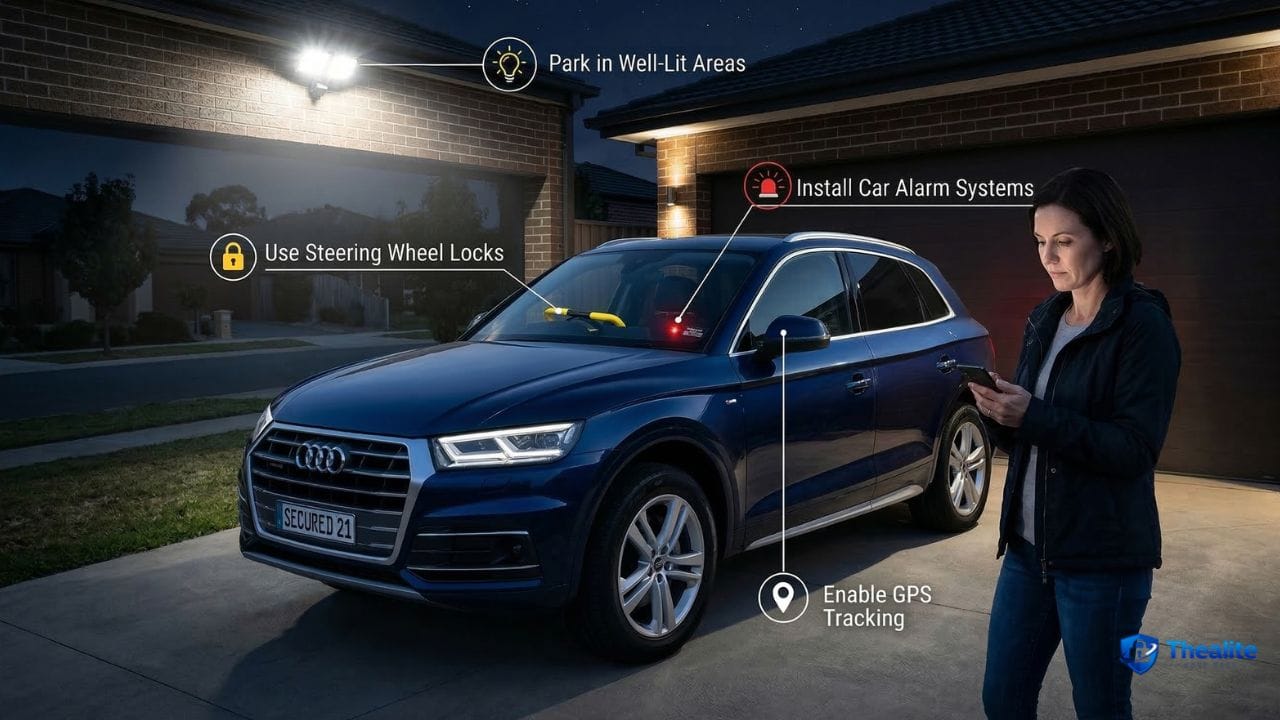
- Lost/stolen devices: phones and laptops taken without strong locks
- Oversharing: too much personal info posted publicly
Phone-focused safety: How to Keep My Phone Safe From Hackers • Keep Phone Safe From Hackers.
The Simple Data Safety System
1) Use unique passwords (password manager helps)
- Use a different strong password for every important account.
- A password manager makes this realistic and reduces reuse.
- Change passwords immediately after breach notices—start with email and banking.
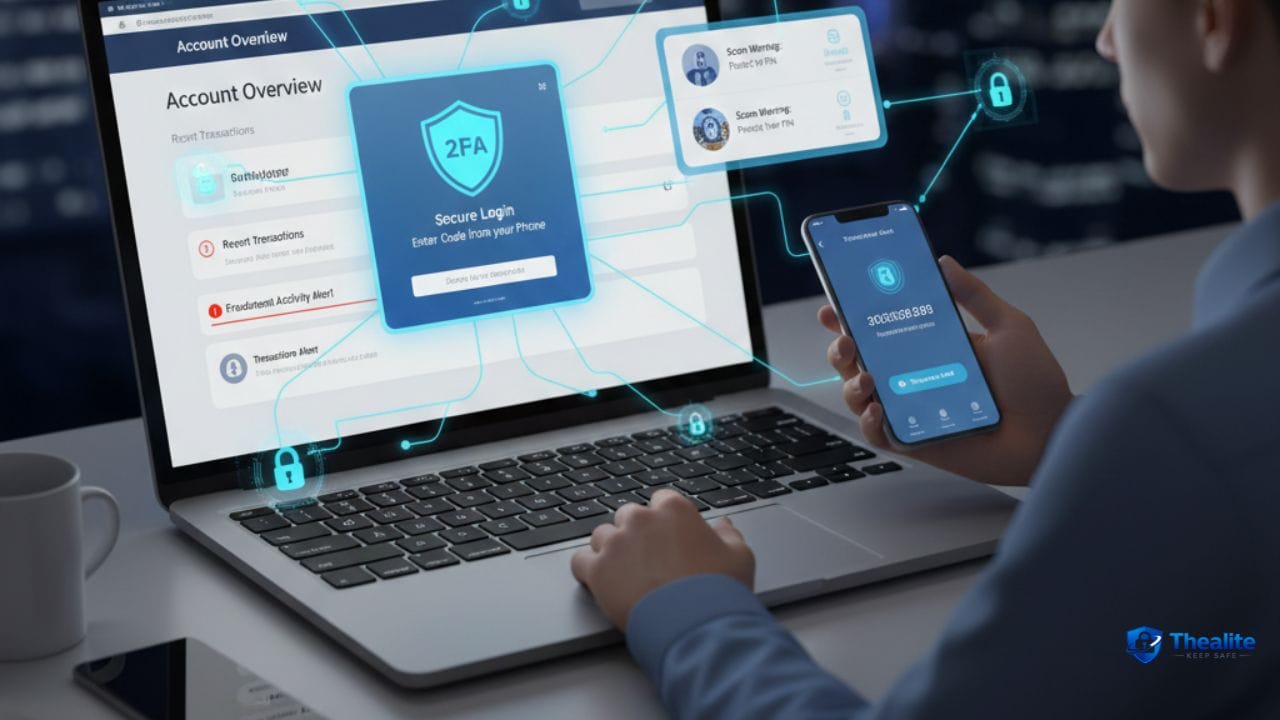
2) Turn on multi-factor authentication (MFA)
- Enable MFA for email, banking, and social accounts.
- Prefer authenticator apps over SMS when possible (SIM swap risk).
3) Keep devices updated
- Turn on automatic updates for phones, computers, and apps.
- Updates patch security holes attackers exploit.
4) Back up what you can’t replace
- Back up photos and important files automatically.
- Use cloud backup and/or an encrypted external drive for critical documents.
5) Tighten privacy settings
- Make social accounts private when possible.
- Limit who can message you and what info is visible publicly.
- Be cautious about sharing location and routines.
6) Use safer online habits
- Don’t click unexpected links—go to sites directly.
- Avoid logging into sensitive accounts on public Wi‑Fi.
- Verify urgent requests for money or action (scams rely on pressure).
What to Do If You Think Your Data Was Compromised
Act in this order: email → money → devices.
- Secure email first (change password + MFA + sign out unknown devices).
- Secure financial accounts and review transactions.
- Change reused passwords across sites (start with the most important).
- Scan devices for malware and update software.
- If identity theft is suspected, consider credit monitoring or a credit freeze (U.S.).
Data Safety Checklist (Copy/Paste)
- Unique passwords for important accounts
- MFA enabled (especially email + banking)
- Auto-updates ON (devices + apps)
- Backups running (photos + documents)
- Privacy settings tightened (limit public info)
- Avoid unknown links and risky Wi‑Fi logins
- Carrier account PIN set (SIM swap defense)
FAQs
Why is data security important for everyday people (not just businesses)?
Because everyday people have bank accounts, email, photos, and identity information. Criminals target individuals with phishing and account takeovers because it’s easier than hacking companies directly.
What’s the most important account to protect?
Email. Email controls password resets for most other accounts, so securing it with a strong password and MFA is the biggest upgrade.
Is using the same password really that risky?
Yes. If one site is breached, attackers try the same password on other services. Password reuse is a top cause of account takeovers.
Do I need a password manager?
It’s not required, but it makes unique strong passwords realistic and reduces risky storage habits.
What’s the fastest way to reduce risk today?
Turn on MFA for your email and banking, update your devices, and change reused passwords—starting with email.
Conclusion
Keeping your data safe matters because your data is leverage. It can be used to access money, impersonate you, invade your privacy, and create long-term identity headaches. Most incidents are preventable with a small set of habits: unique passwords, MFA, updates, backups, and smarter privacy choices. Build those layers now, and you’ll reduce both the chance of an incident and the damage if one happens.

As a digital marketer, she has received multiple international awards, including Campaign of the Year at the 2023 European Content Awards and Best Use of Content Marketing at the 2022 Global Search Awards. Nicai holds an MSc in Marketing (First Class Honours) from the UCD Smurfit Graduate Business School and she has also completed the Artificial Intelligence Programme at Oxford University’s Saïd Business School. She is also a contributing writer for publications such as Entrepreneur and Esquire.