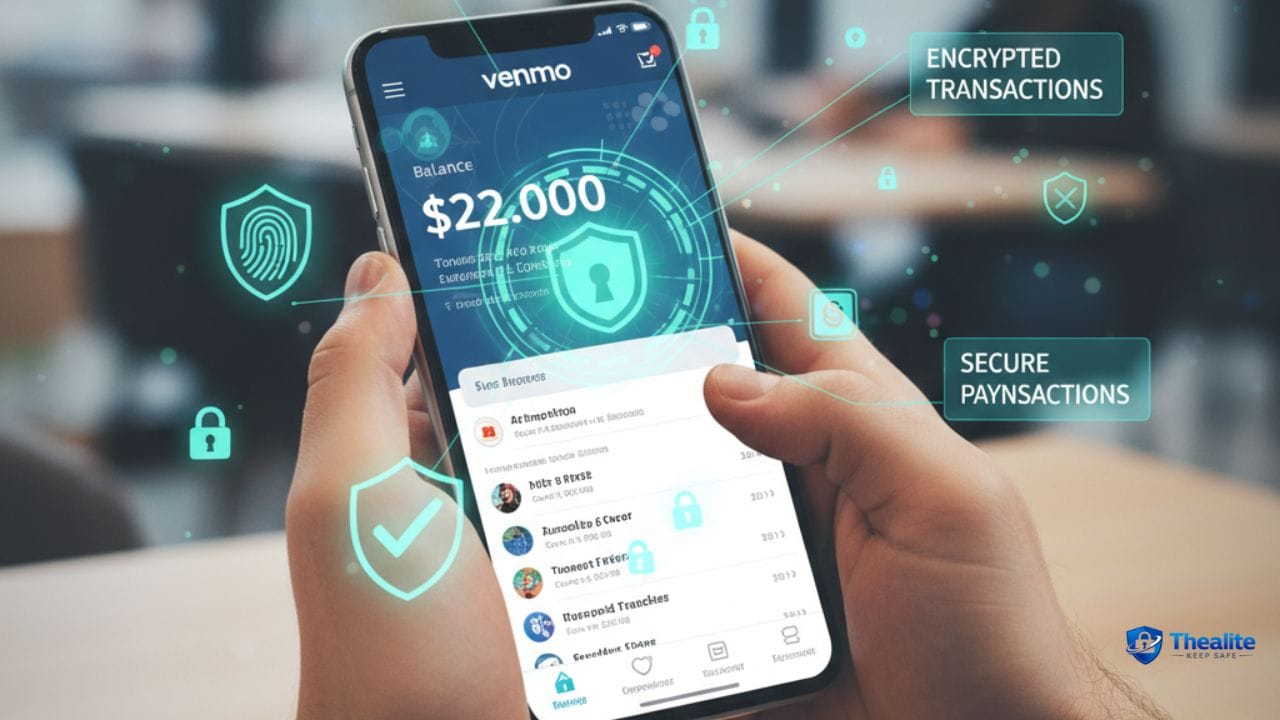
Venmo makes it easy to split bills, pay friends, and send money fast. The question many U.S. users ask is: is it safe to keep money sitting in Venmo as a balance—like a mini bank account?
The practical answer is: it can be safe for small, short-term balances, but it’s usually not the best place to store large amounts of money long-term. The main reason isn’t that Venmo is “unsafe” by default—it’s that payment apps are designed for convenient transfers, not as primary savings. If your account is compromised or you’re scammed, getting money back can be stressful.
This guide explains the real risks, when to transfer money out, how to lock down your Venmo account, and safer alternatives for keeping cash in the U.S.
Related reading on your site: Is It Safe to Keep Money in Cash App? • Is It Safe to Keep Money in Checking Account? • Which Bank Is Safe to Keep Money • Keep Bank Account Safe Online • How to Keep Your Money Safe
Quick Answer
Keeping money in Venmo is usually fine for small amounts you plan to spend or transfer soon. But for larger balances or long-term storage, it’s safer to move funds to a bank account or other protected financial option. The biggest risks are account takeover (weak passwords, phishing, SIM swaps), scams, and delays/disputes when something goes wrong.
Why People Keep a Balance in Venmo
Venmo balances happen for normal reasons:
- Friends send you money and you leave it there for convenience.
- You want fast payments without moving money between bank accounts.
- You use a Venmo debit card (if you have one) or pay merchants with Venmo.
- You’re waiting to transfer later (or forgot to transfer).
When It’s Typically OK vs When It’s Risky
A simple rule: Venmo is best as a transit account, not a vault.
Usually OK (lower risk)
- Small balance you’ll use within days (splitting bills, paying friends).
- You have strong security enabled (MFA, strong password, device lock).
- You monitor transactions and get alerts.
Riskier (higher risk)
- Large balance sitting for weeks/months.
- You reuse passwords or don’t use MFA.
- You click payment links from texts/emails (phishing risk).
- Your phone number is vulnerable to SIM swap (no carrier PIN).
Key Risks of Keeping Money in Any Payment App
Whether it’s Venmo, Cash App, or another wallet, the risks are similar:
1) Scams and ‘authorized payments’
Many payment app losses happen because the user is tricked into sending money. If you authorize a payment to a scammer, it can be hard to reverse—even if you realize it quickly.
2) Account takeover
If someone gets into your Venmo account (through password reuse, phishing, or stolen phone access), they may send funds out fast.
Account security overlaps with identity and banking safety—see How to Keep Your Identity Safe Online and Keep Bank Account Safe Online.
3) Delays and disputes
If something triggers a review (unusual activity, disputes, verification issues), access to funds may be delayed. That’s another reason not to keep large balances there.
4) Privacy and social exposure
Venmo has a social feed element (settings can control visibility). Privacy settings matter—especially if you don’t want payment details visible.
How to Make Venmo Safer (Best Practices)
You can reduce risk a lot with a few setup changes and habits.
Step 1: Lock down your account security
- Use a strong, unique password (don’t reuse a bank or email password).
- Enable multi-factor authentication if available, and keep your phone secured.
- Turn on a PIN/biometric lock inside the Venmo app (if supported on your device).
- Secure your email account (email resets are the #1 takeover path).
Password guidance: How to Keep Your Password Safe • How to Keep Passwords Safe.
Step 2: Protect your phone number from SIM swaps
In the U.S., SIM swap attacks can let criminals intercept verification texts. Reduce risk by securing your carrier account.
- Set a carrier account PIN/password (separate from your phone passcode).
- Use an authenticator-based MFA where possible (not just SMS).
- Watch for sudden loss of cellular service (a SIM swap warning sign).
Step 3: Turn on notifications and monitor activity
- Enable transaction alerts/notifications.
- Check activity regularly—small ‘test’ transfers can come before larger fraud.
- Review connected devices and sign out anything you don’t recognize (when available).
Step 4: Set your privacy settings
- Make transactions private (or friends-only) if you don’t want them publicly visible.
- Be careful with payment notes—don’t include personal details (address, phone, account info).
Step 5: Use Venmo safely for payments
- Send money only to people you know and trust.
- Verify the username carefully—scammers use lookalike names.
- Don’t accept ‘overpayment’ or ‘refund’ scams (classic trick).
- Be cautious with strangers offering to pay you via Venmo for marketplace items—prefer safer transaction methods.
Should You Transfer Money Out Regularly?
For many users, the safest habit is simple: treat Venmo as a pass-through account. If you don’t need the balance for immediate payments, transfer it to your bank.
A practical schedule
- Weekly transfers if you receive money often.
- Immediate transfers if you receive a large amount.
- Keep only a small buffer (whatever you might spend in the next week).
Venmo vs Bank Account: Which Is Safer to Hold Money?
A traditional bank account is built for holding money, not just moving it. If your goal is storing funds (emergency savings, bills, long-term money), a bank account is usually the better home.
Related comparisons on your site: Is It Safe to Keep Money in Checking Account? and Which Bank Is Safe to Keep Money.
What to Do If You’re Scammed or Hacked on Venmo
If you suspect fraud, speed matters. Take these steps:
- Secure your email first (change password + MFA) and then your Venmo password.
- Enable or re-check app PIN/biometrics and device lock.
- Report the transaction in-app and contact Venmo support promptly.
- If a bank card/account is linked, notify your bank and monitor for additional fraud.
- Change any reused passwords on other sites (start with email and banking).
More account safety: How to Keep Your Credit Card Safe • How to Keep Debit Card Safe.
Common Venmo Scams to Watch For
- Fake customer support messages asking for your login or codes
- ‘You won a prize’ or ‘account locked’ phishing links
- Overpayment/refund scam (they ‘accidentally’ send money and demand a refund)
- Marketplace scam: buyer claims they paid but you must ‘upgrade’ or pay a fee
- Request scams: someone sends a money request hoping you approve it without noticing
Venmo Safety Checklist (Copy/Paste)
- Keep balance small; transfer large amounts to bank promptly
- Unique password + MFA; secure email first
- Carrier PIN to reduce SIM swap risk
- App PIN/biometric lock enabled (if available)
- Notifications on; monitor transaction history
- Transactions set to private; avoid personal details in notes
- Send money only to people you trust; double-check usernames
FAQs
Is it safe to keep a large balance in Venmo?
It’s usually safer to keep large balances in a bank account and use Venmo for short-term transfers. The biggest risks are scams, account takeover, and delays if the account is reviewed.
Is Venmo the same as a bank account?
No. Venmo is primarily a payment app designed for transfers and spending. A bank account is designed for holding money with established protections and processes.
What’s the safest way to use Venmo?
Keep your balance small, transfer out regularly, use a unique password and MFA, secure your phone/email, and send money only to trusted people.
What should I do if I sent money to the wrong person?
Act immediately: request a refund in-app and contact support. Because payments can be hard to reverse, double-check usernames before sending.
Is it safer to keep money in Venmo or Cash App?
Both are payment apps with similar risks. The safer approach is the same: keep balances small and move larger amounts to a bank account.
Conclusion
Venmo is convenient and can be safe for everyday payments, but it’s not meant to be your long-term savings vault. For most people, the best practice is to keep only a small working balance in Venmo and transfer larger amounts to a bank account. Combine that habit with strong security (unique password, MFA, secure phone/email, privacy settings), and you’ll reduce the most common real-world risks.

As a digital marketer, she has received multiple international awards, including Campaign of the Year at the 2023 European Content Awards and Best Use of Content Marketing at the 2022 Global Search Awards. Nicai holds an MSc in Marketing (First Class Honours) from the UCD Smurfit Graduate Business School and she has also completed the Artificial Intelligence Programme at Oxford University’s Saïd Business School. She is also a contributing writer for publications such as Entrepreneur and Esquire.